

Nội dung có trong bài
Ẩn
I. PURPOSE
The cashier can select a receipt template for printing and configure the receipt layout and formatting.
II. INSTRUCTION STEPS
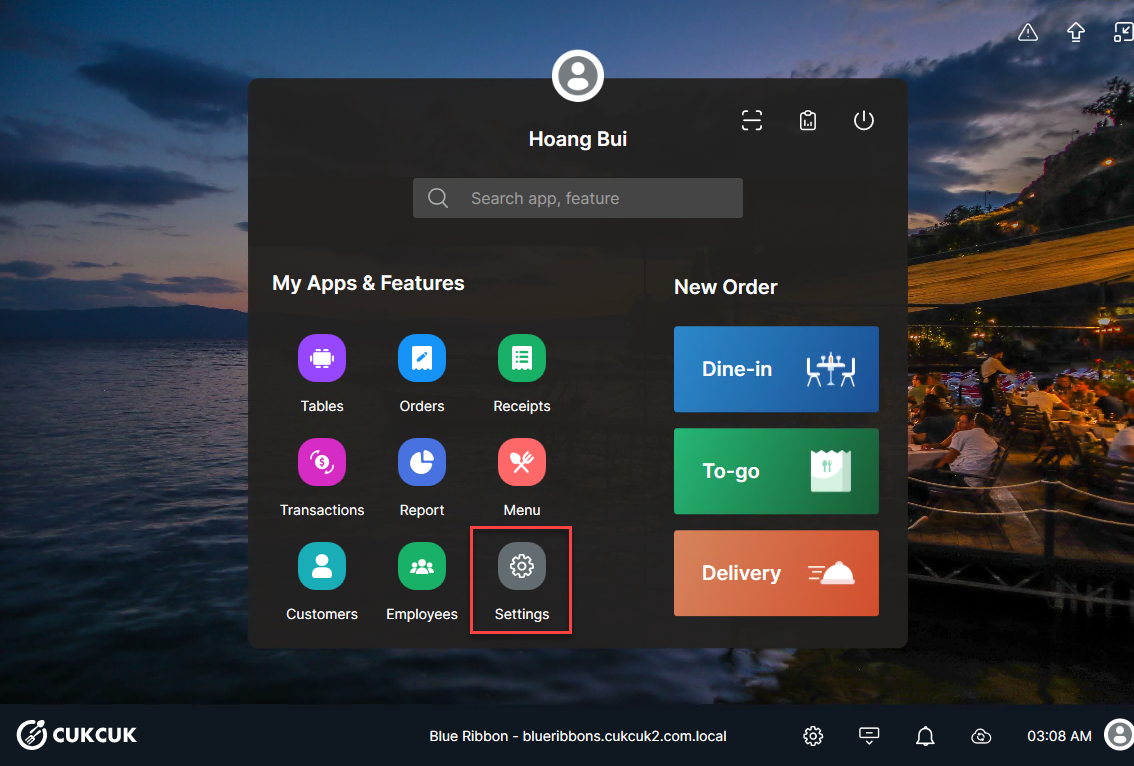
On the main screen, select Settings.
Select Printer & Template. In the Printer & Receipts Template section, click Custom Template.

– Customize Receipt Information
On General Information tab:
- Paper Size and Template fields are displayed by default and cannot be edited.
- Number of copies: Default is 1 copy, and you can modify this if needed.

– Customize Receipt Content
- Select the Custom Details tab.
- Customize information in each section: Header, Receipt Info, Items Info, Footer

– Display QR Code on Bill
- Check Display QR code when printing bill to fire the order to pay. The system will display a QR code on the provisional bill. When scanned, the QR code opens the payment screen for that specific order.
- Click Refresh to preview the updated template.
After completing all adjustments, click Save.
Have a nice day!


