

Nội dung có trong bài
Ẩn
I. PURPOSE
The managers monitor employees’ check-in and check-out times through the timesheet.
II. INSTRUCTION STEPS
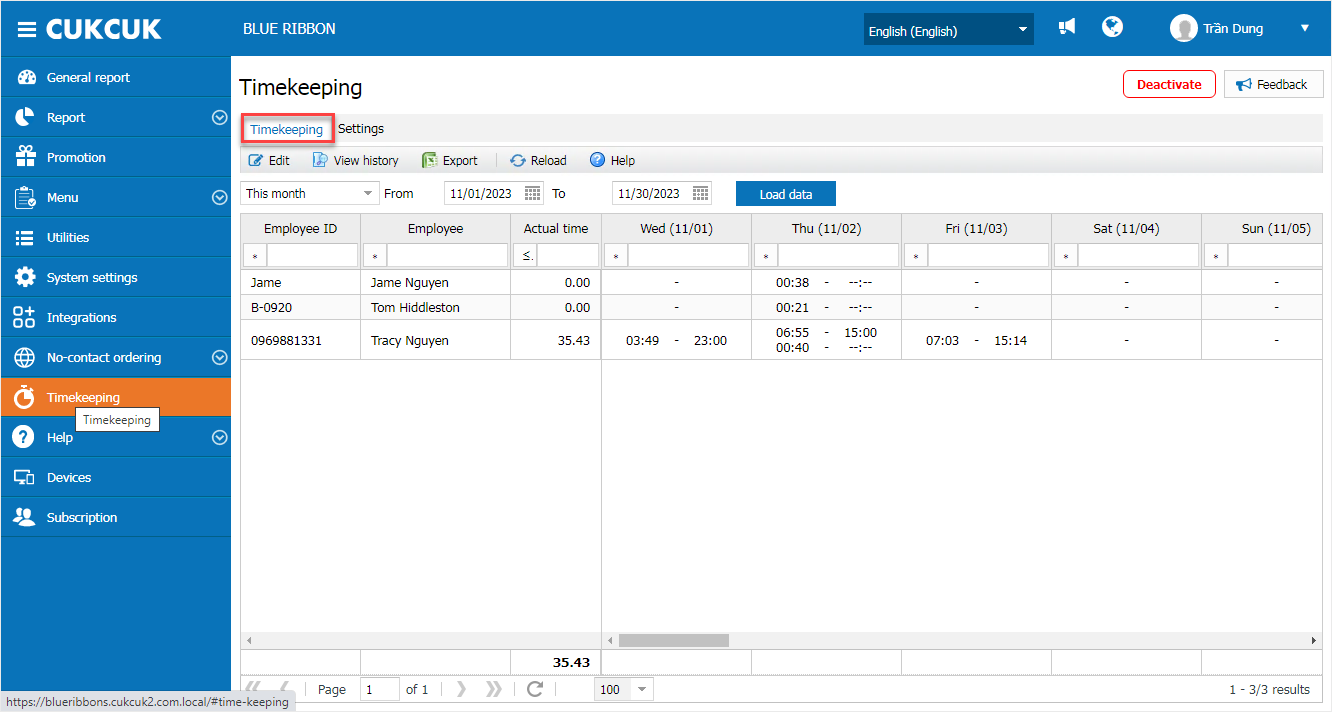
- On the management page, select Timekeeping.
- The timekeeping screen visually displays the work status of employees in the restaurant.
- You can view work status, update attendance, and check the attendance history of each employee.
4. The system supports exporting a file of total working hours per employee.
-
- On the timekeeping screen, select Export.
- The exported file will be displayed as follows:

Have a nice day!


