

Nội dung có trong bài
Ẩn
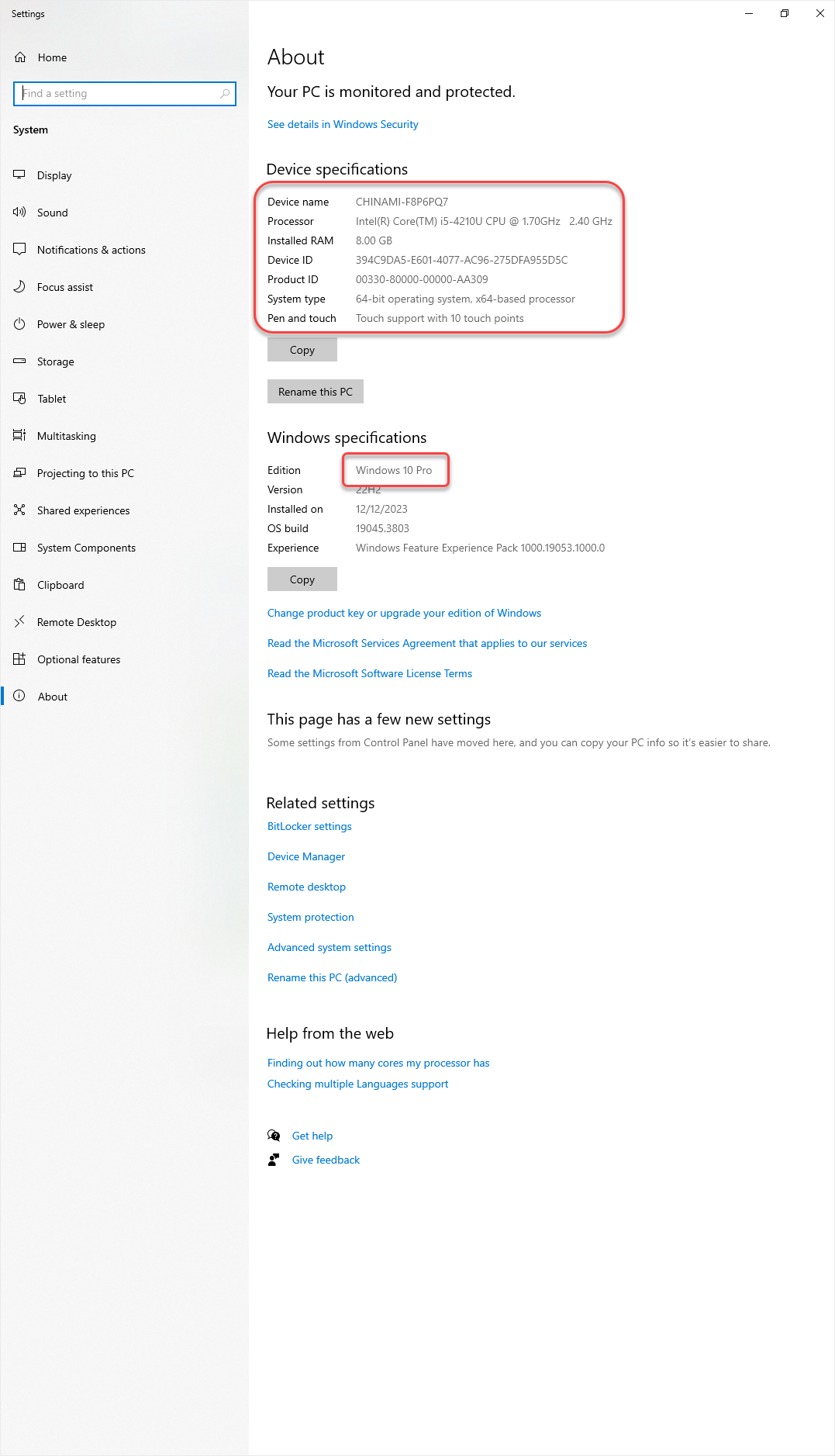
Để kiểm tra cấu hình, dung lượng trống trên máy tính thực hiện như sau:
I. Kiểm tra cấu hình
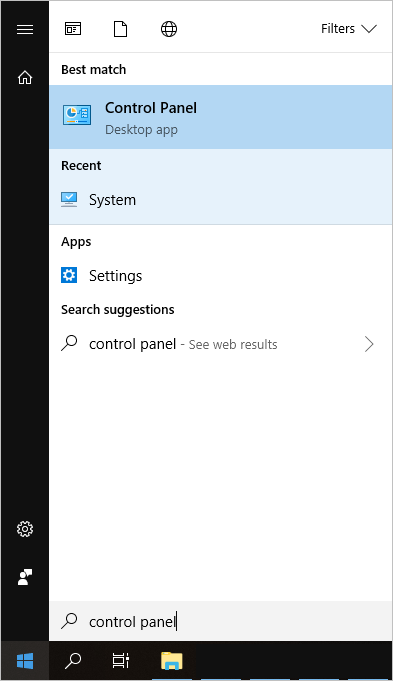
1. Nhấn Start, gõ Control Panel để truy cập.
To check the system configuration and available storage on the computer, follow these steps:
I. Check System Configuration
- Click Start, type Control Panel, and open it.
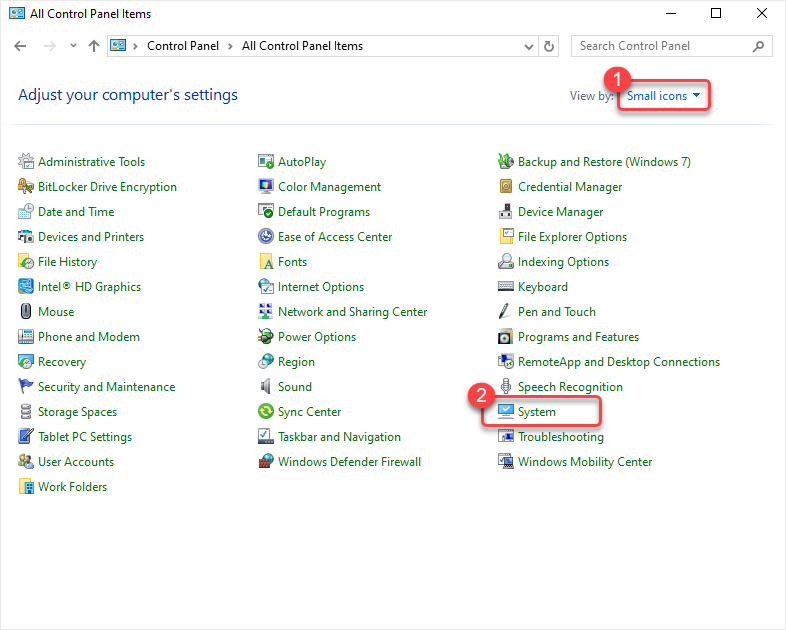
2. Click System.
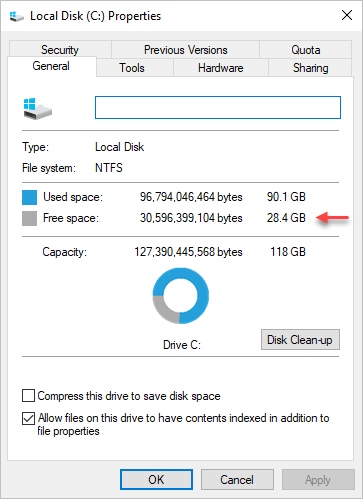
II. Check Available Hard Drive Space
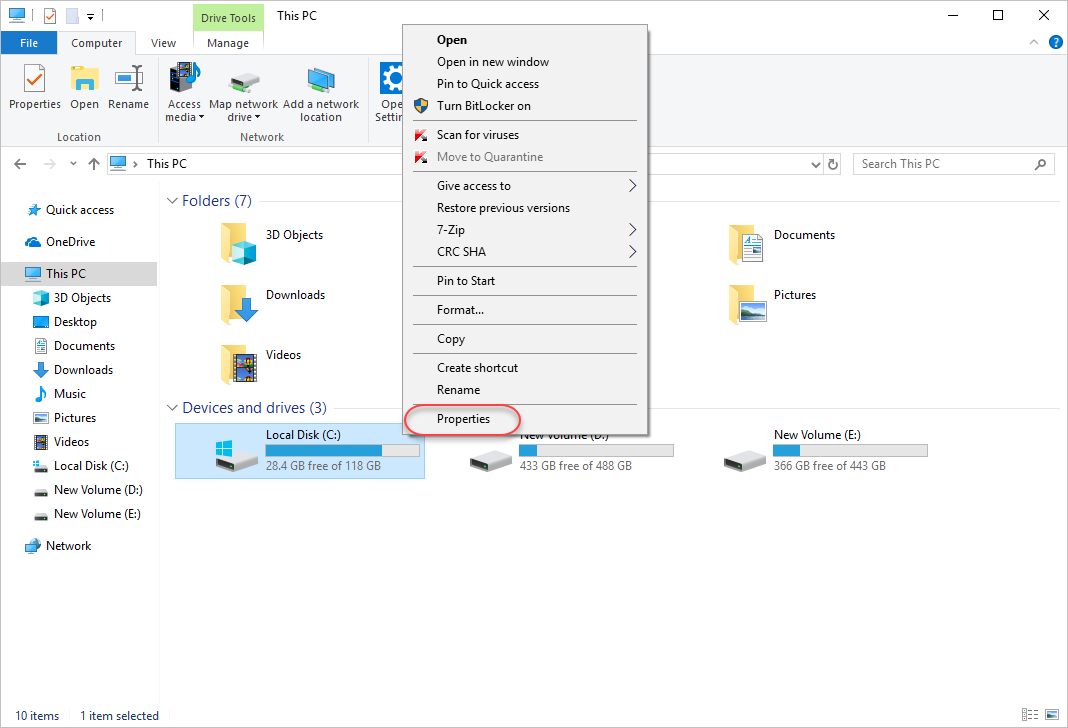
- Open File Explorer on the computer, right-click on drive C: (the operating system drive of the Kiosk machine).
- Select Properties.
Have a nice day!


