

Nội dung có trong bài
Ẩn
I. Purpose
Enable seamless integration between CUKCUK POS and Aurora payment services, allowing restaurants to process card payments directly within the POS system.
II. Instruction steps
1. Set up on the dashboard
Go to Applications and scroll down to Aurora Payments. Click Install.

Enter Merchant ID. Then, click Connect.

2. Connect with Aurora Payments on the POS
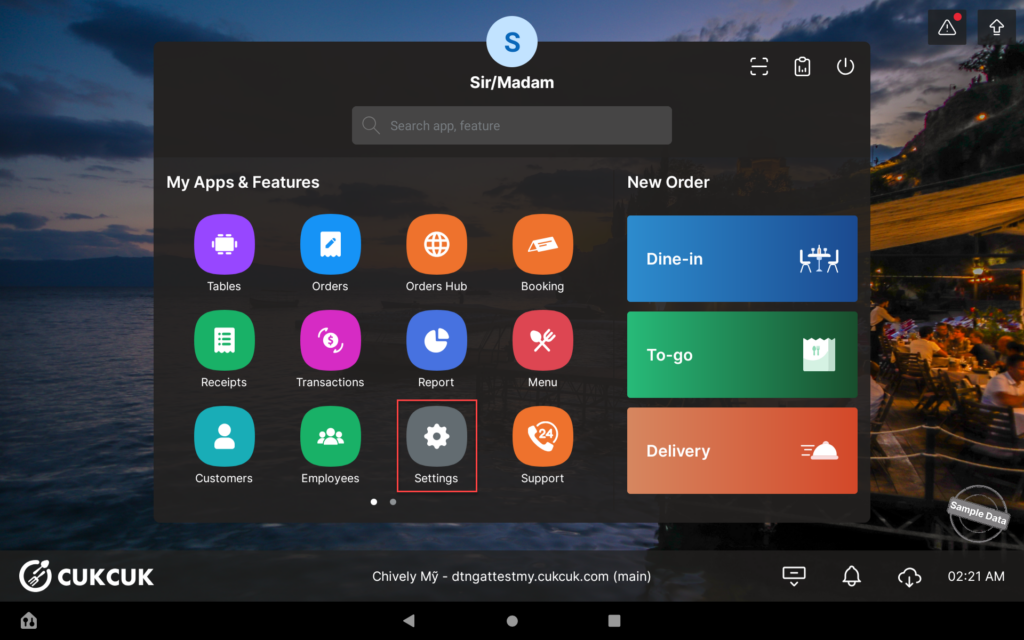
Go to Settings.
On Payment Terminal tab, turn on Terminal configuration and select Aurora.

Click the arrow icon and select Series number. Then, click Connect.

You can click Test to verify that the payment terminal is properly connected and ready to process transactions.

Have a nice day!


