

To connect with the kitchen printer via USB, please follow these steps:
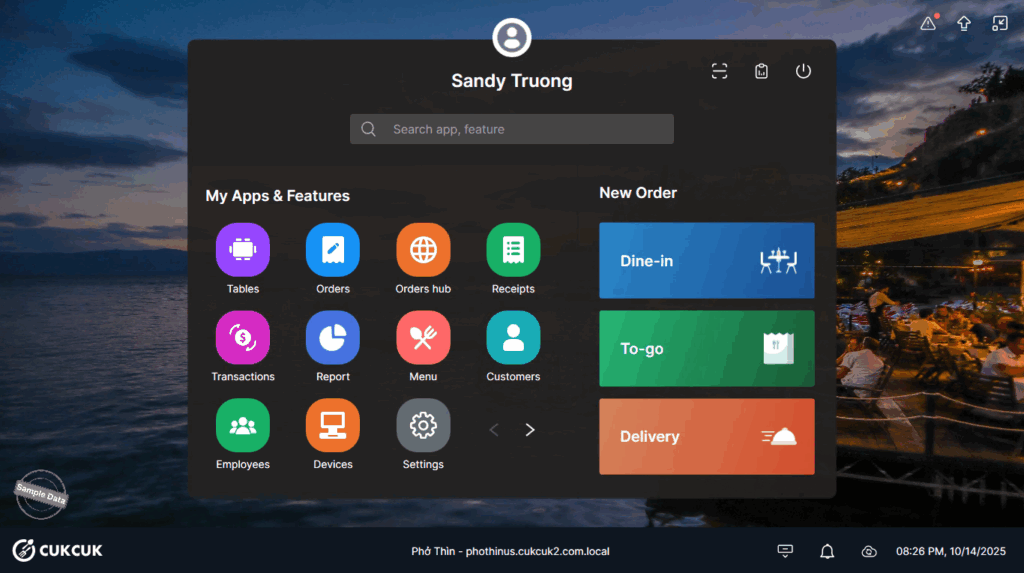
Go to Settings.
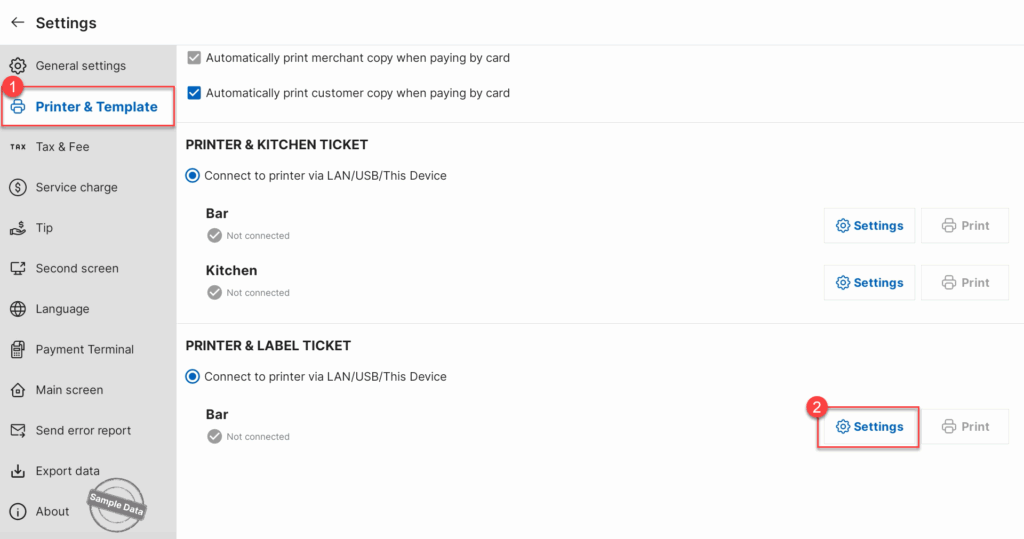
On Printer & Template, scroll down to Printer & Label ticket and click Settings.
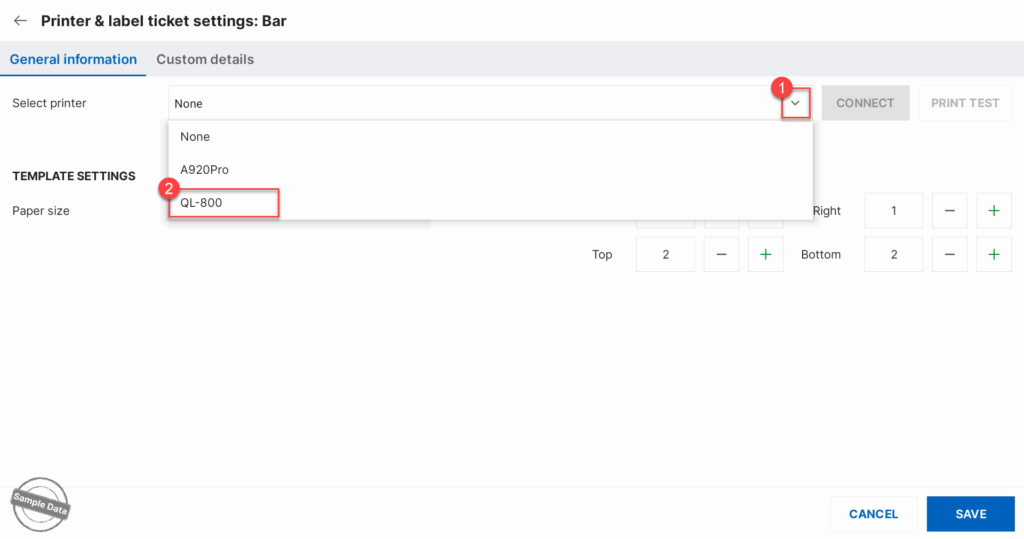
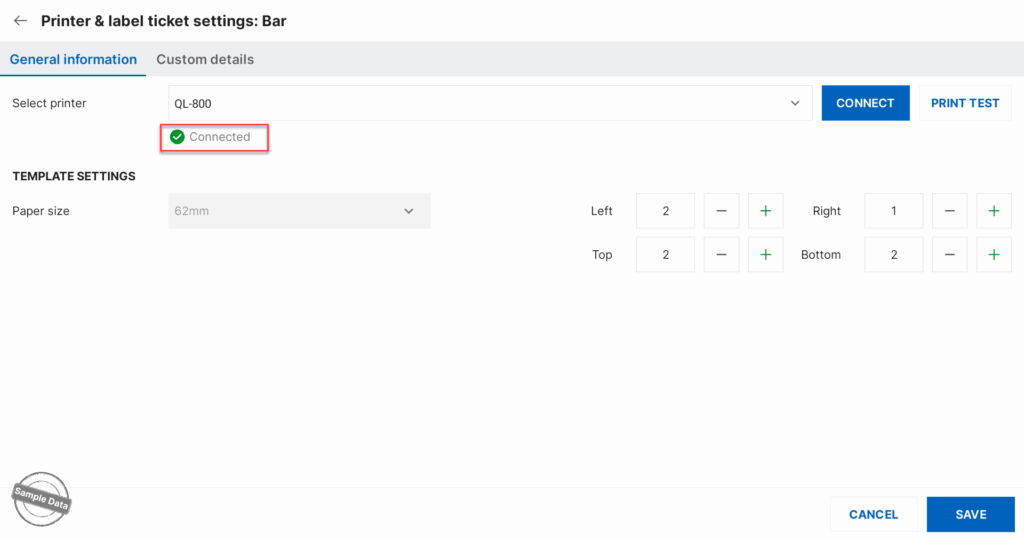
Select a printer to connect via USB and click Save.
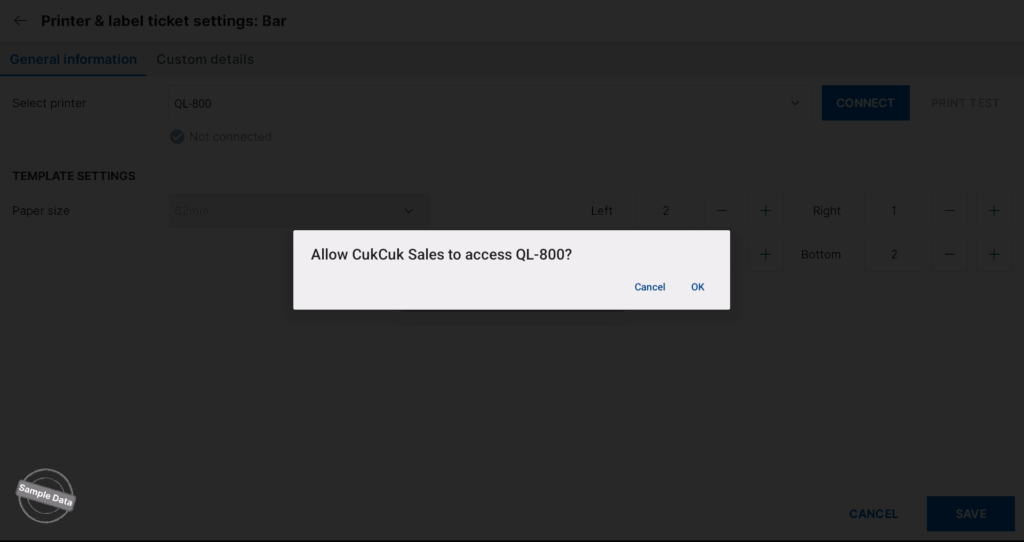
This message will be shown. Click OK to proceed.
The printer is connected.
Have a nice day!


