

Nội dung có trong bài
Ẩn
I. Purpose
This feature allows restaurants to manually refund a payment.
II. Instruction Steps
Prerequisite: Before using this feature, enable PAX Terminal Configuration in Settings → Payment Terminal.
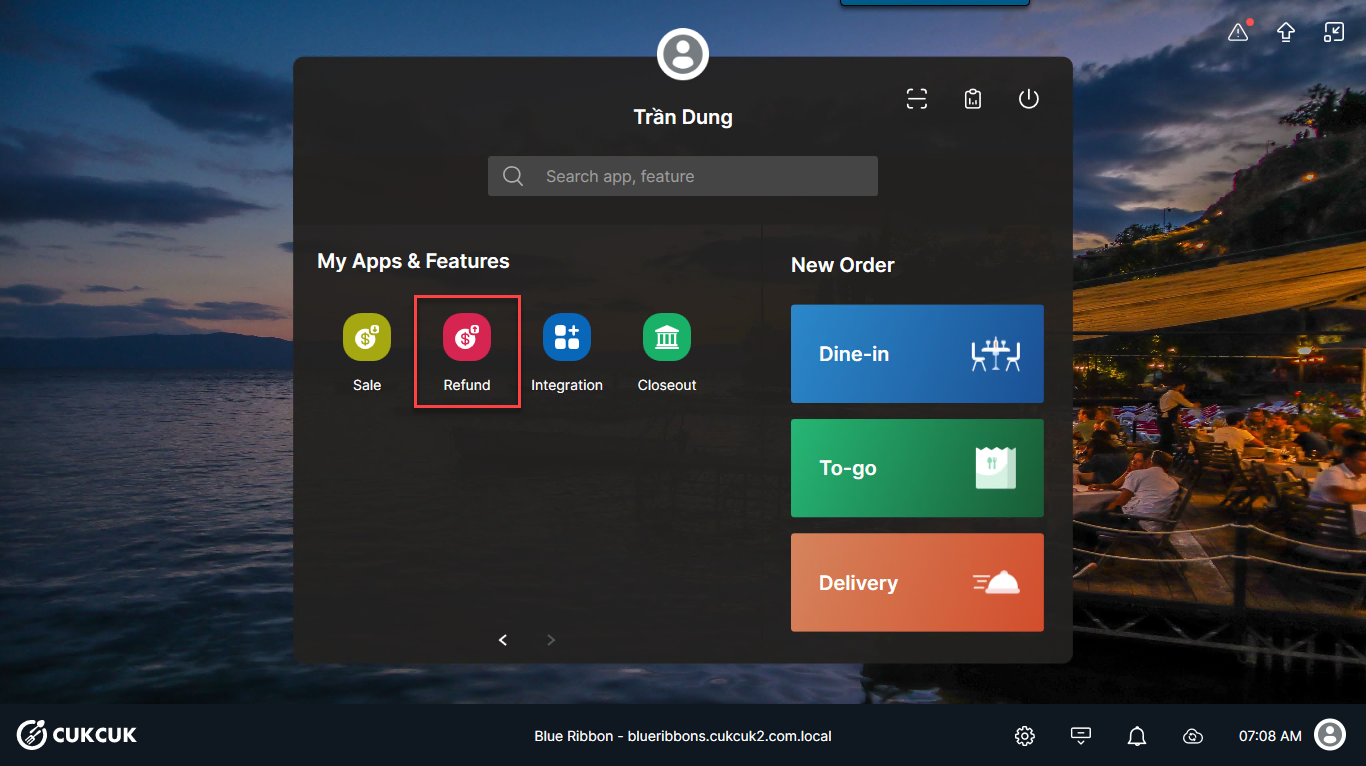
- On the POS, select Sale.
- Enter the amount to be charged.
Enter the payment amount and choose one of the following payment methods:
Option A: Card Payment
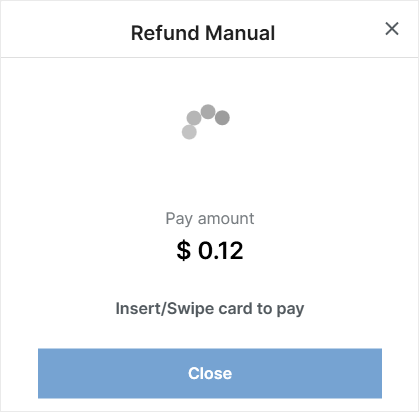
The system will send the payment amount to the card terminal to process the transaction.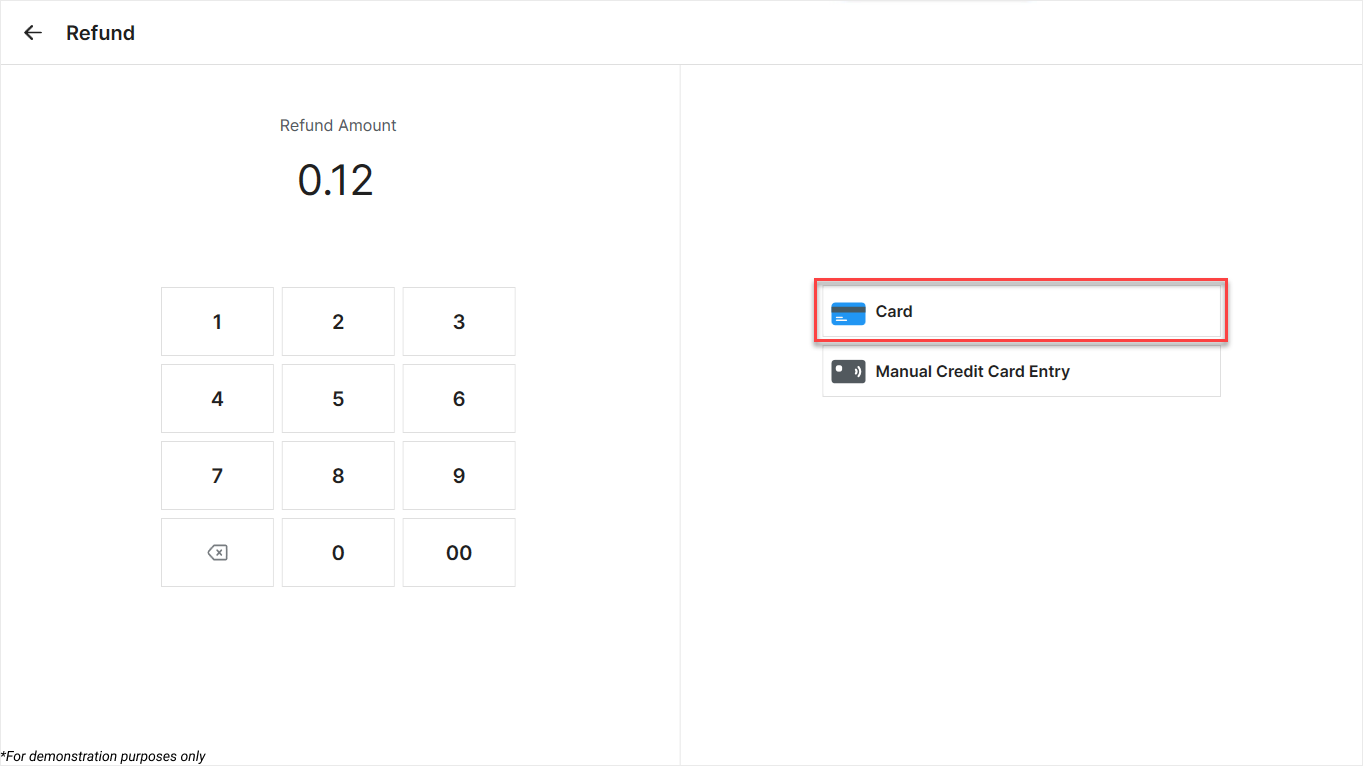
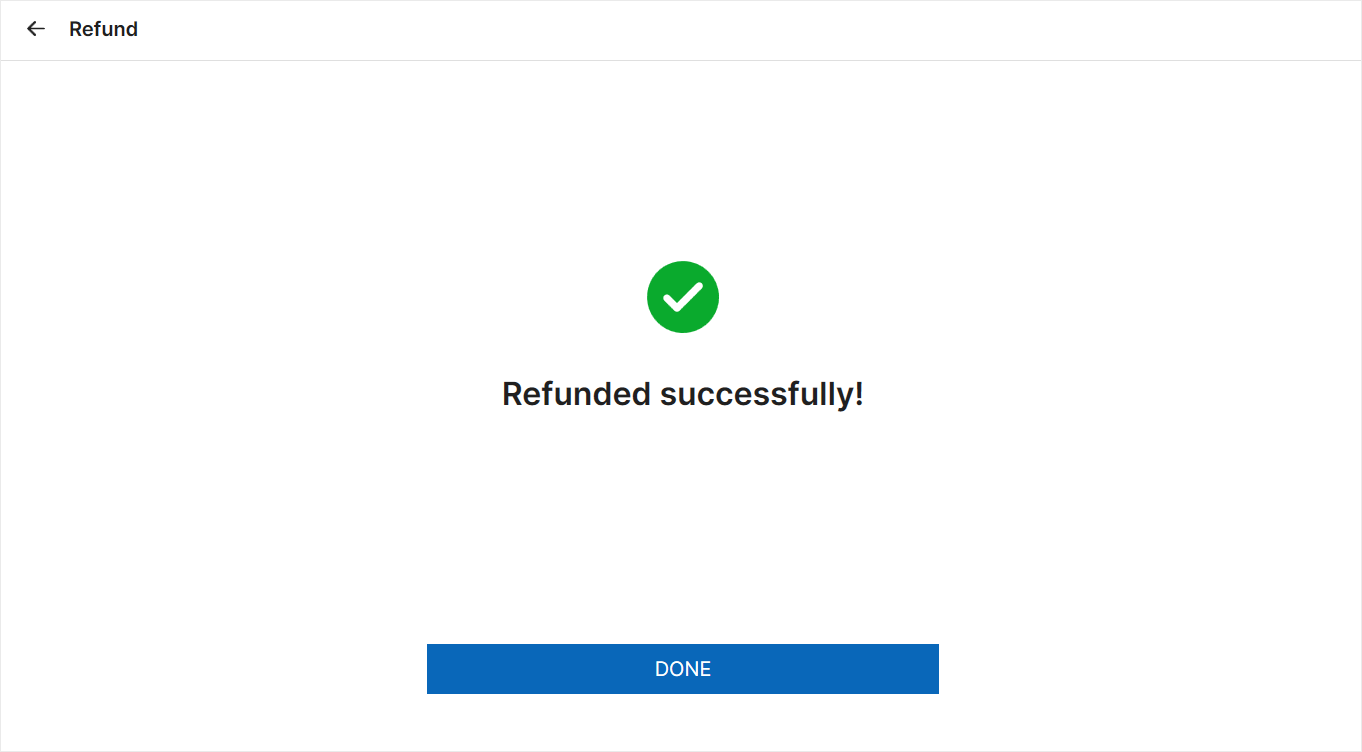
- If the transaction is successful, the system displays: “Refunded successfully.”
- If the card terminal fails to process the payment or the request is unsuccessful, the system displays: “Refund Failed.”
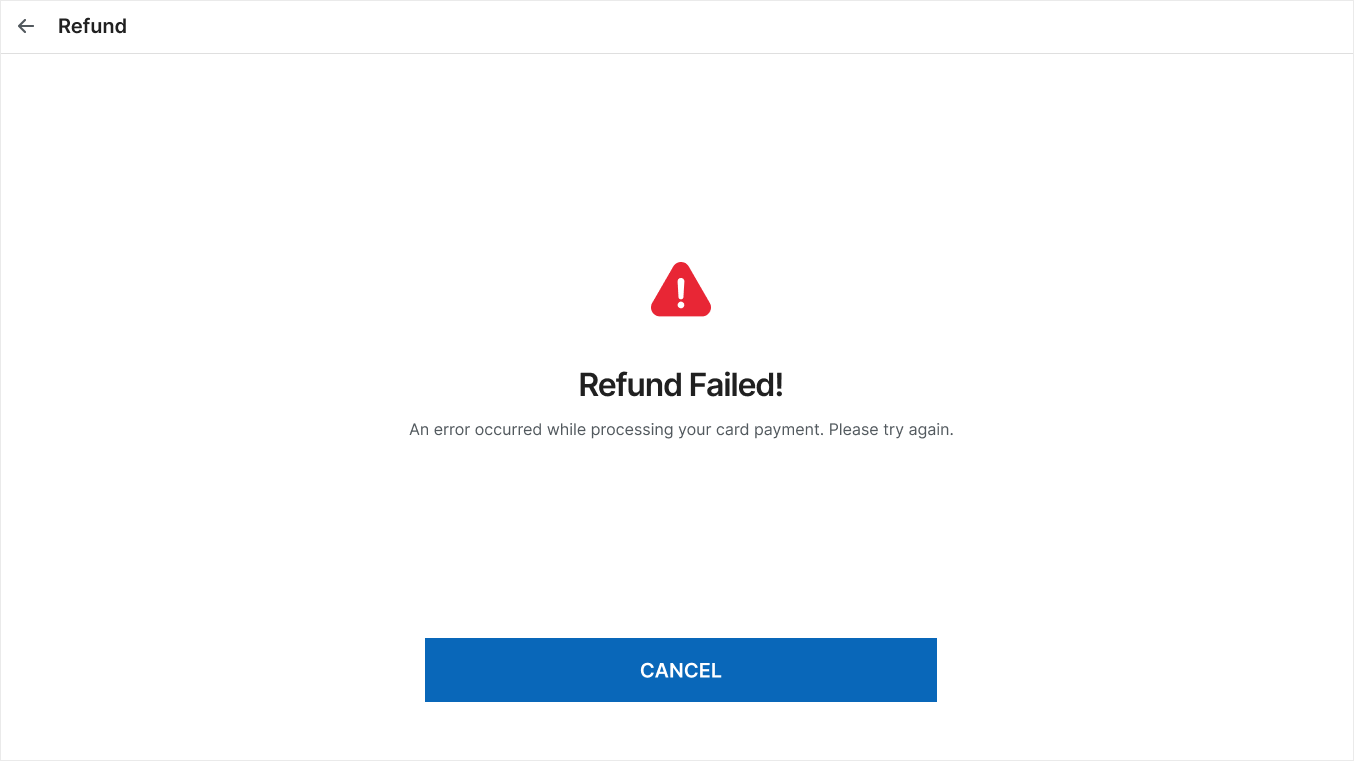
Click Cancel to return to the payment entry screen and retry the transaction.
Option B: Manual Card Entry
The system will open a form for you to enter the card details manually.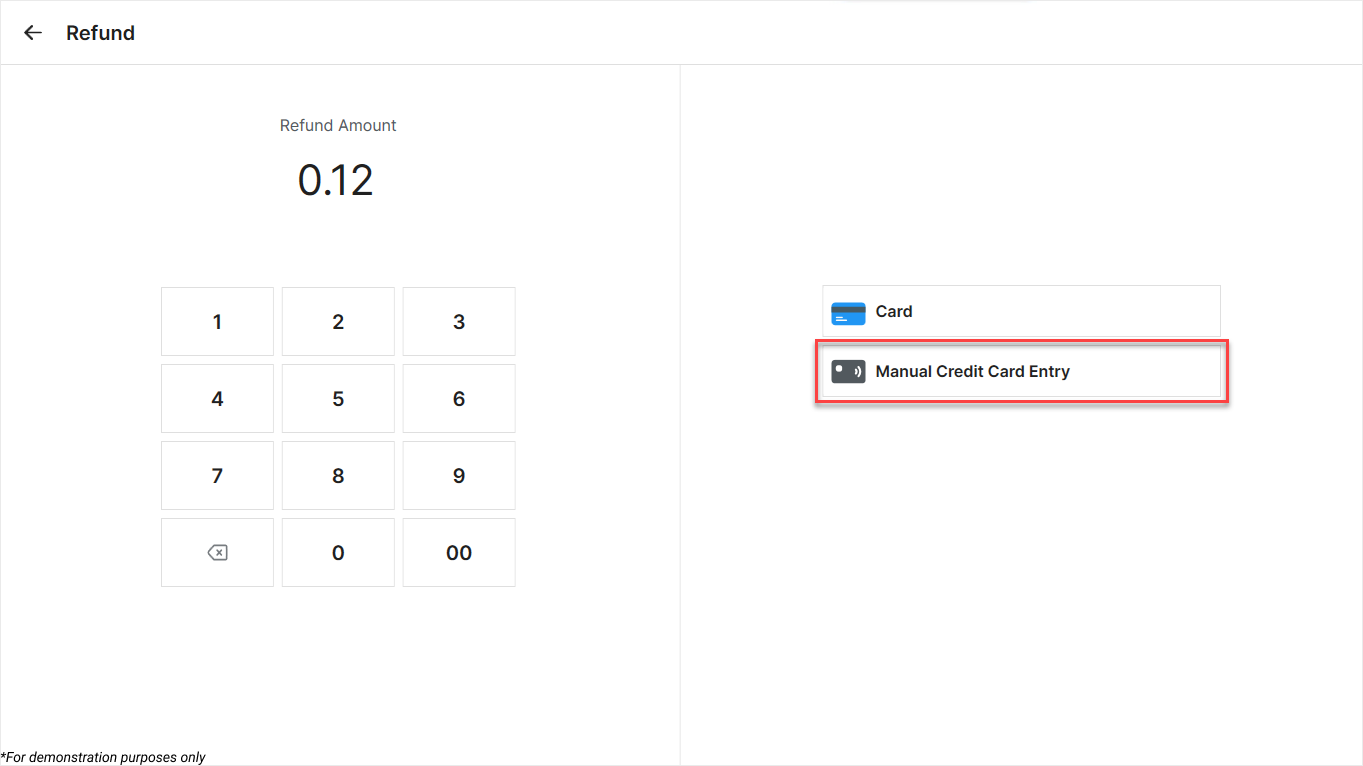
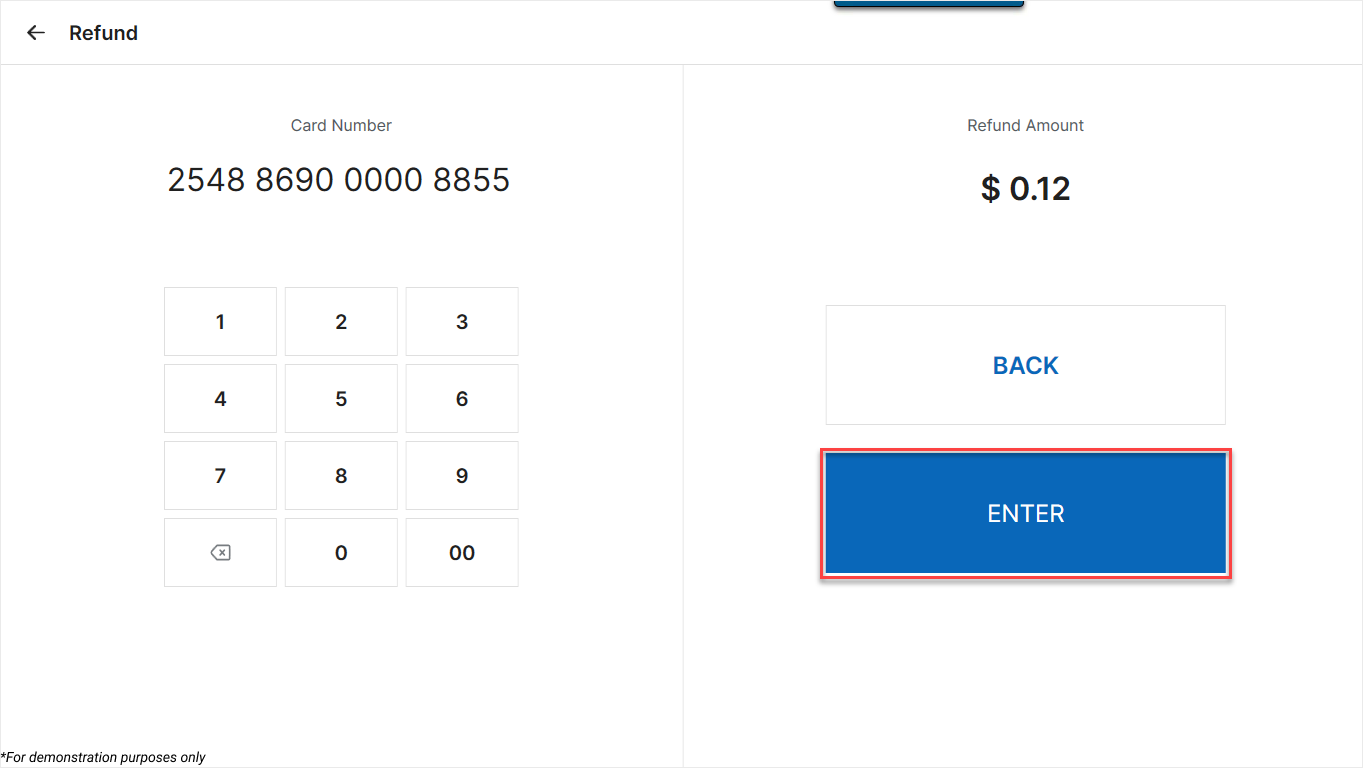
- Enter the Card number.
- Enter the Expiration date.
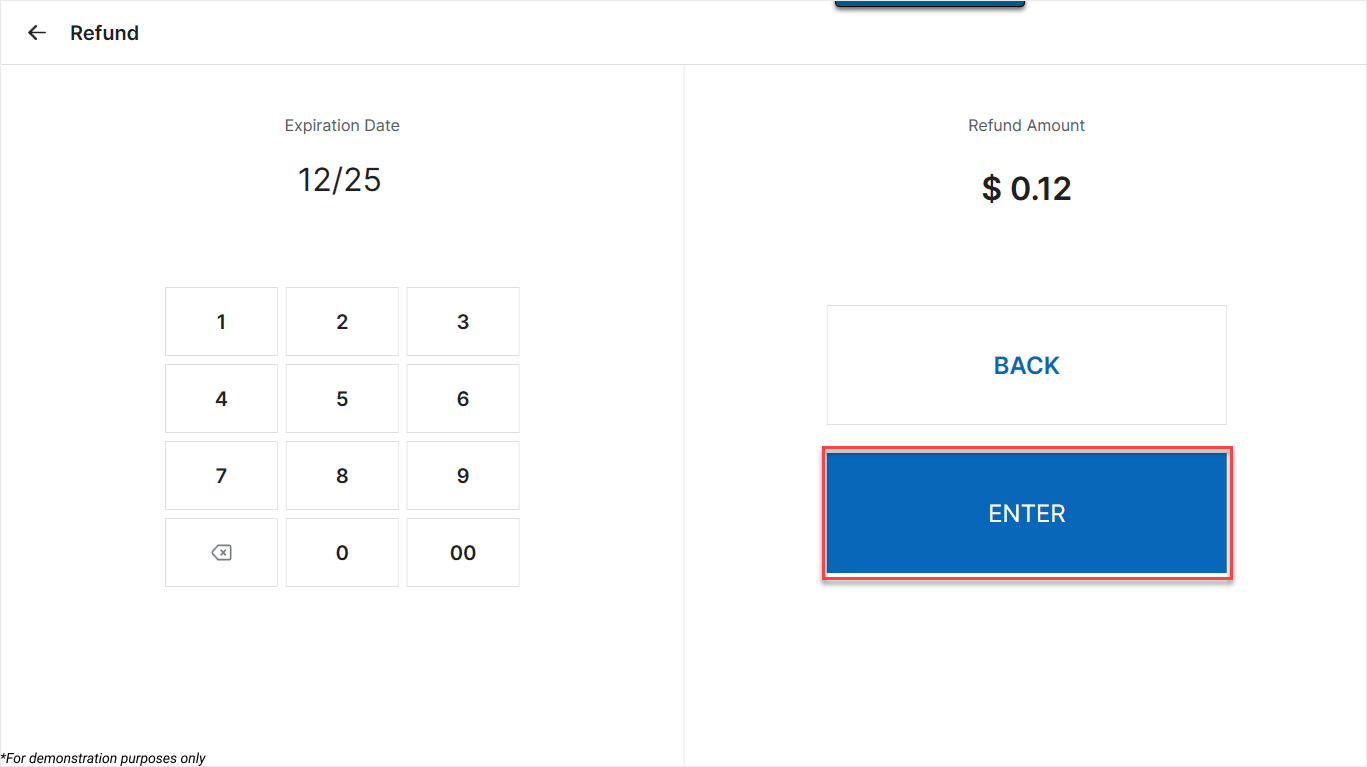
- Click Enter to submit.
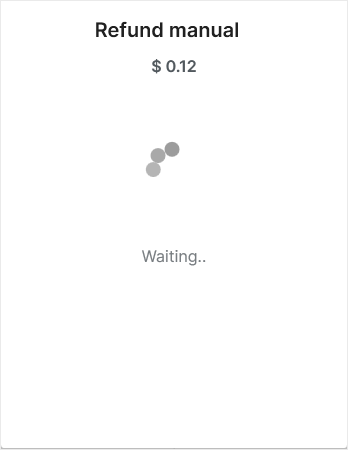
If the transaction is successful, the system displays: “Refunded successfully.”
The manual payment has been processed successfully.
Have a nice day!


