

Nội dung có trong bài
Ẩn
I. PURPOSE
The manager can authorize staff to quickly enter custom item prices when taking orders.
II. INSTRUCTION STEPS
1. On the dashboard
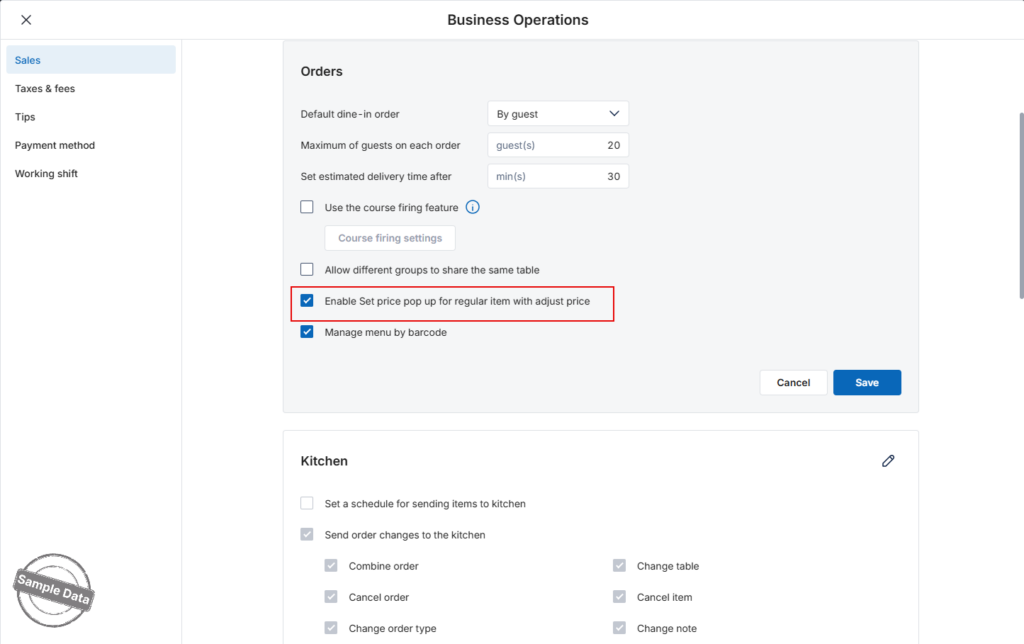
- Go to Settings –> Sales.
- Scroll to Orders –> Check Enable Set price pop up for regular item with adjust price.
- Click Save.
2. On POS
Upon taking order and selecting items with flexible price, this screen will appear.
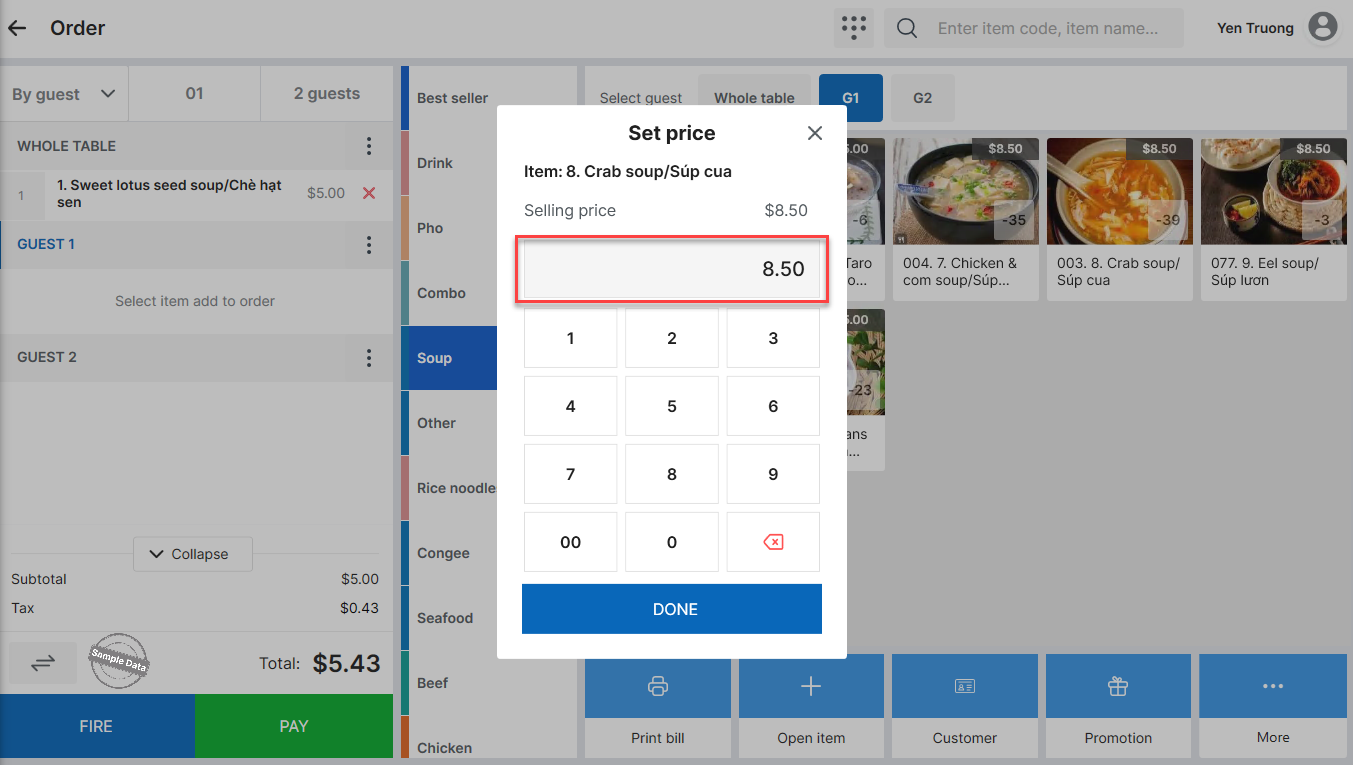
Enter the applied price.
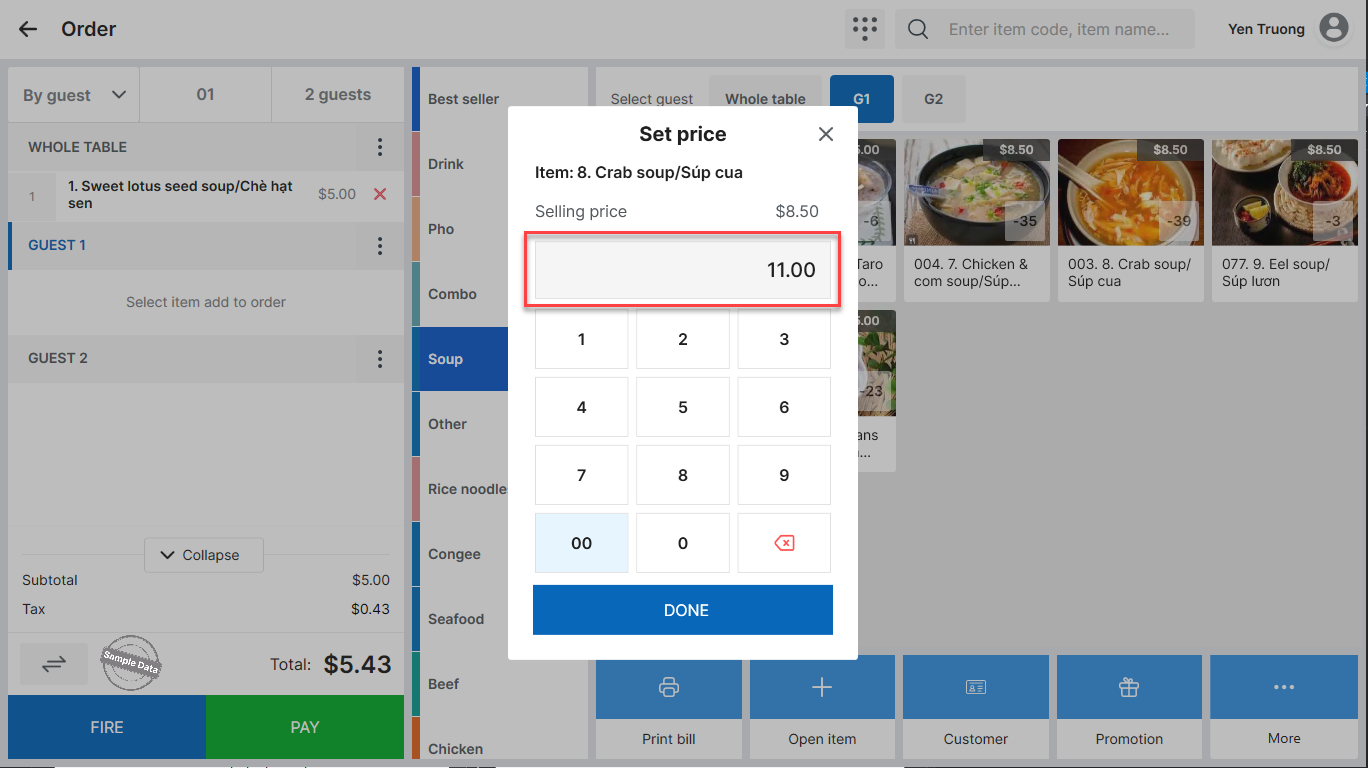
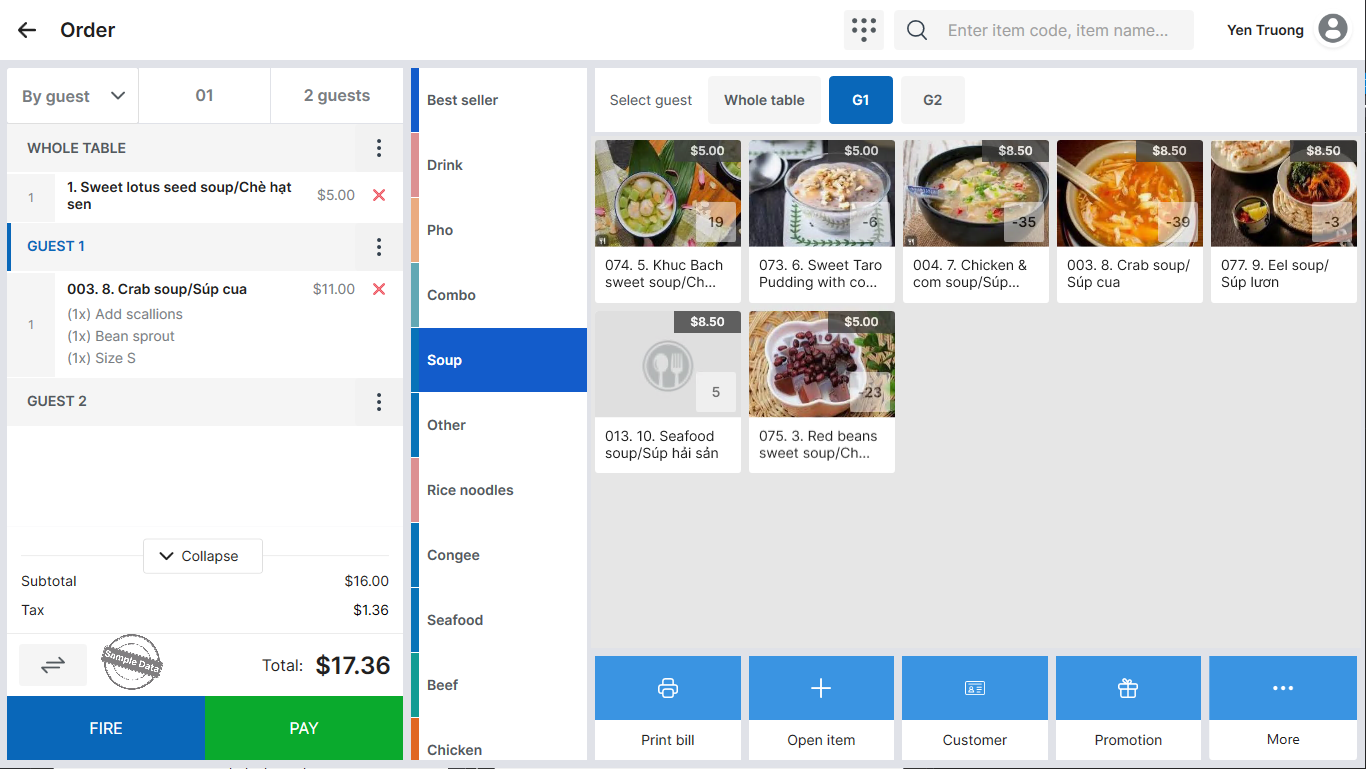
Then, click Done.
Note:
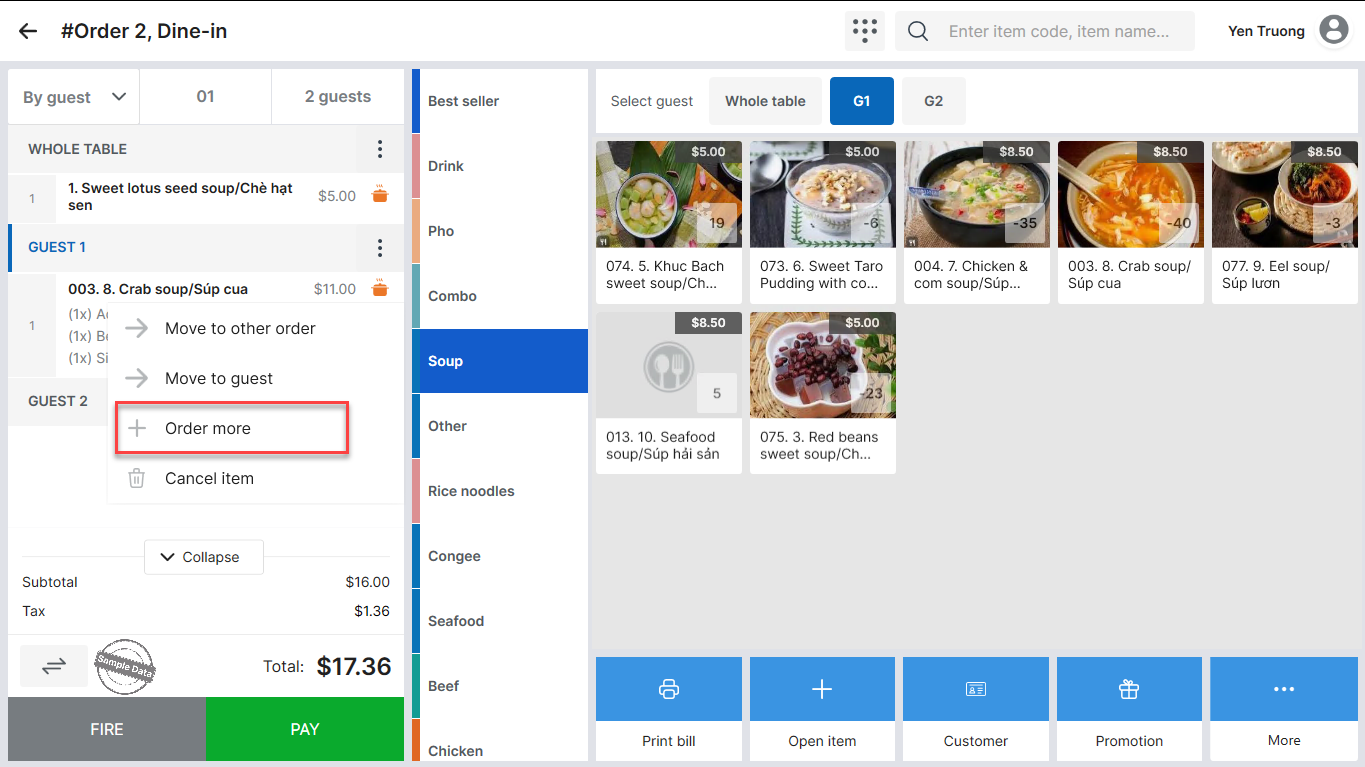
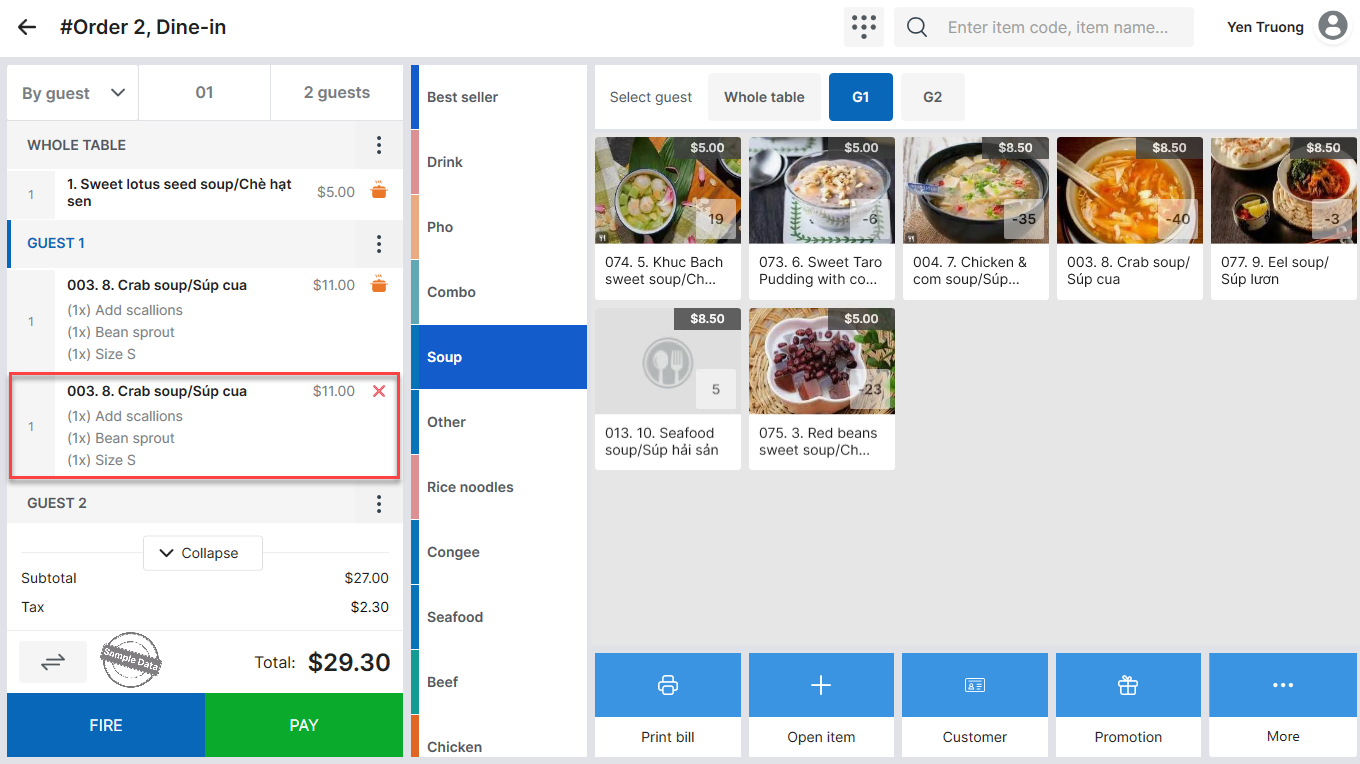
- If you use the Order more feature for an item with an adjusted price, the adjusted price will be automatically applied to the new order.
- This feature is ONLY applied to Regular item.
Have a nice day!


