

Below are some common issues when working with KDS, along with troubleshooting steps:
|
COMMON ISSUES |
SOLUTIONS |
| 1. Unable to open KDS | Solution 1: Check the domain information and login credentials. Try logging into the management page to verify whether the domain and user account are correct.
Solution 2: Check your network connection. |
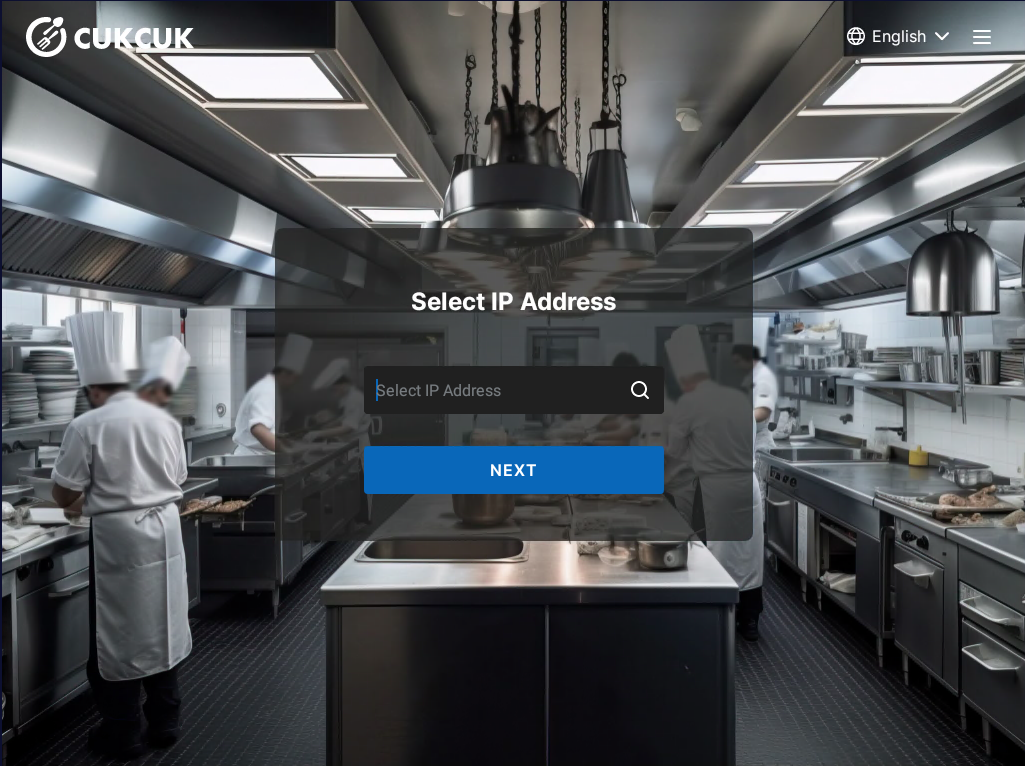
| 2. Cannot find the POS IP address when logging into the KDS app | Solution 1: Make sure the KDS tablet is connected to the same network range as the POS device.
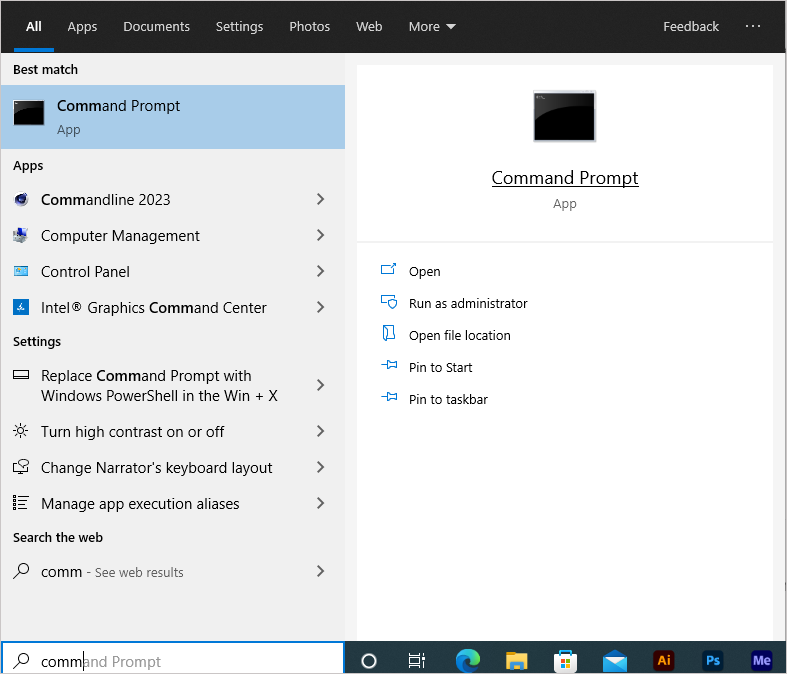
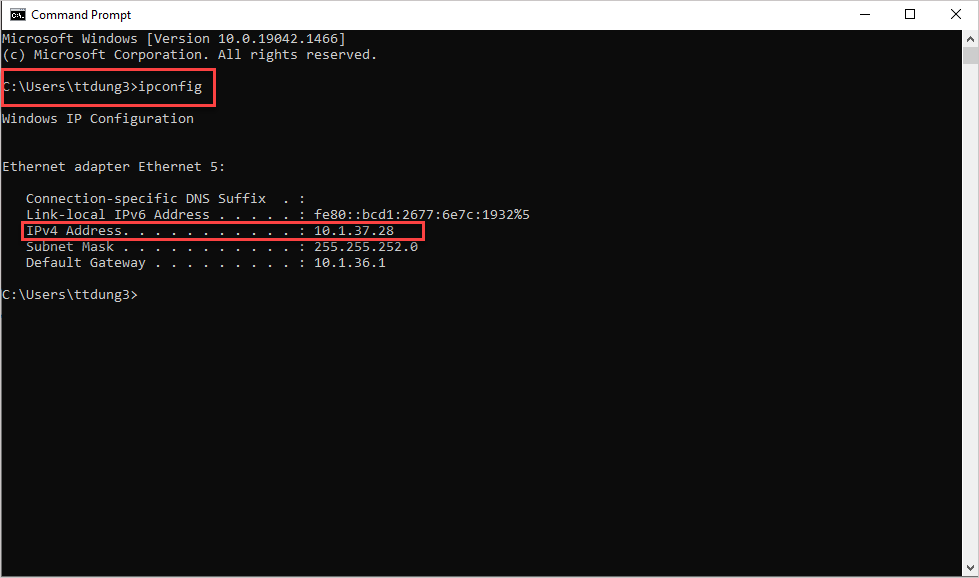
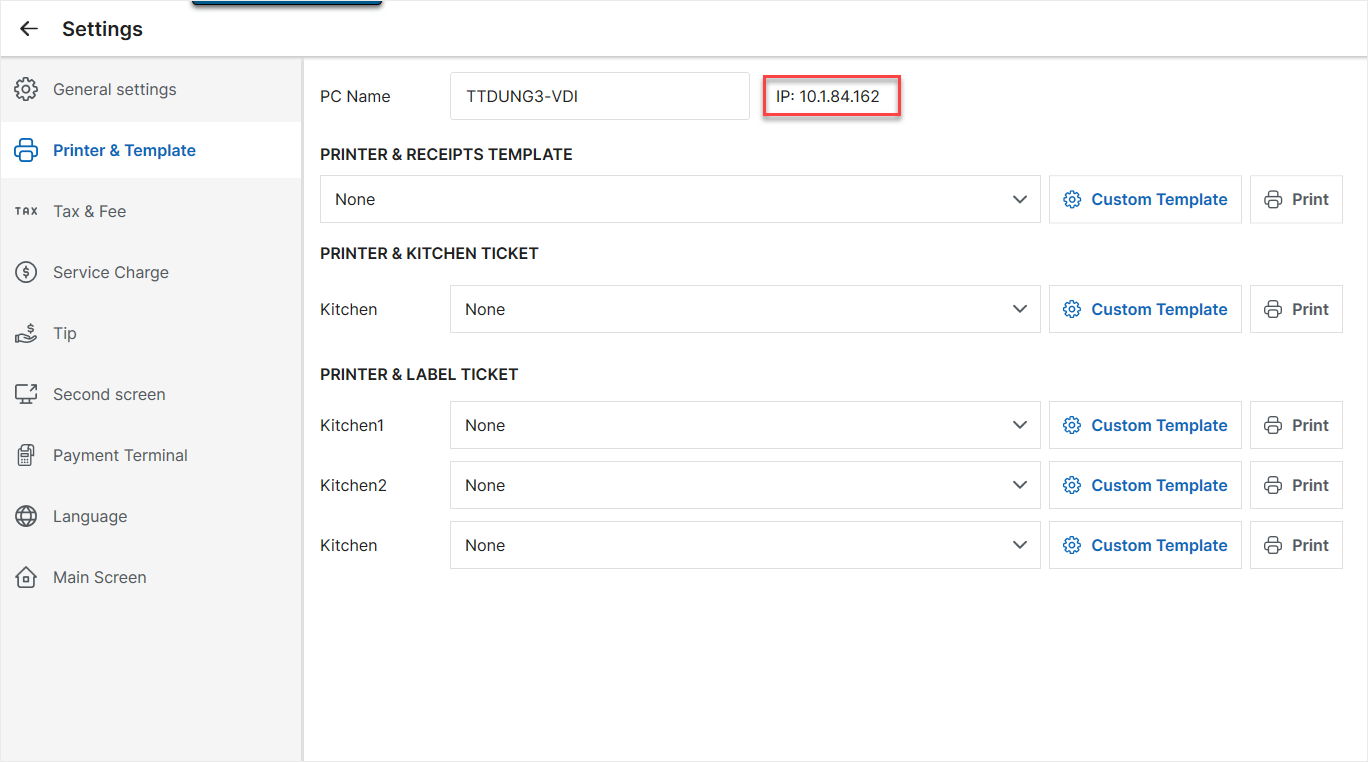
Solution 2: Check the POS IP address:
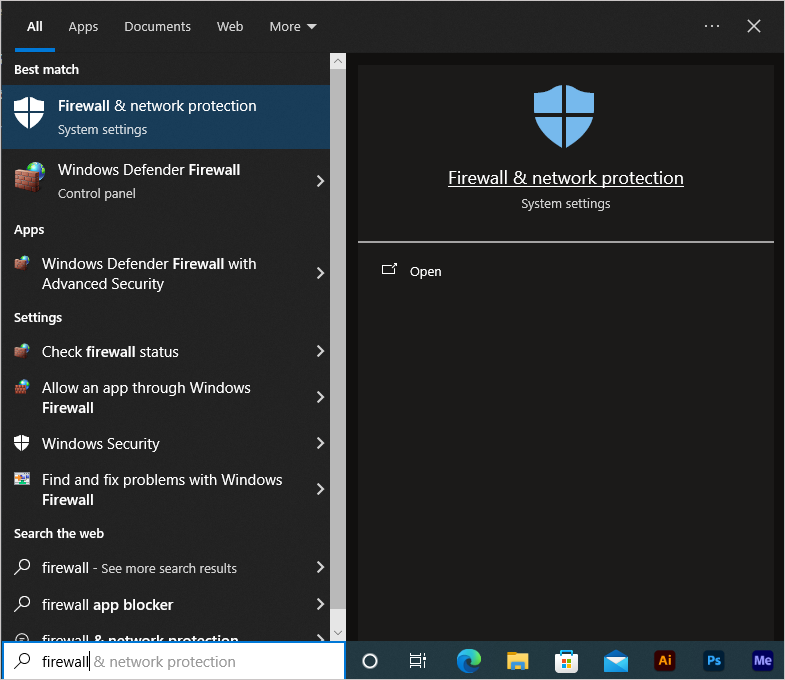
Solution 3: Turn off the Firewall on the POS device.
Solution 4: Check the POS IP address from the POS application:
|
| 3. KDS shows old cached data or sync fails | Solution 1: Clear data directly in the KDS app:
Solution 2: Uninstall the KDS app and reinstall it. |
Have a nice day!


