Nội dung có trong bài
Ẩn
I. Purpose
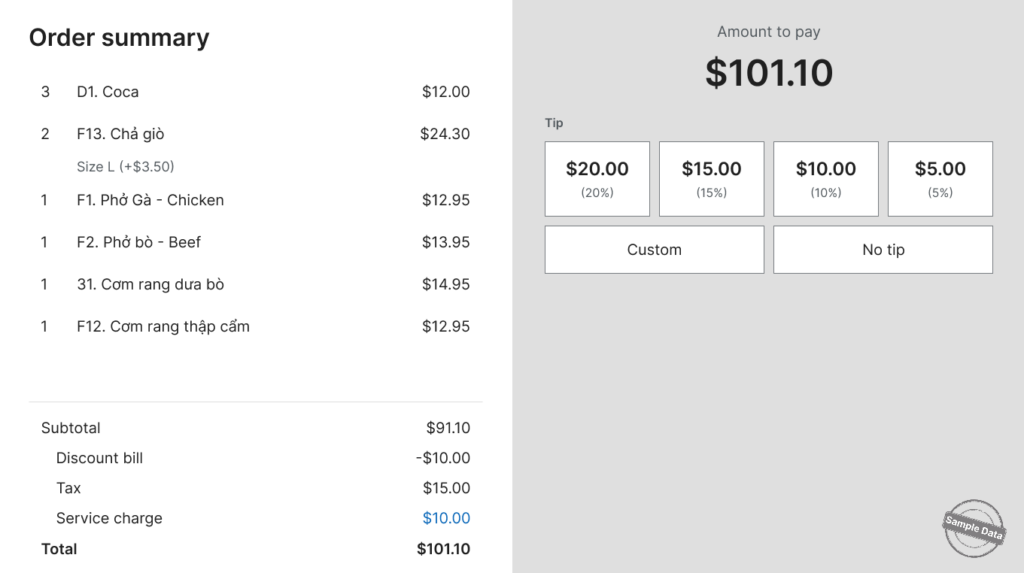
This feature allows restaurants to hide the payment method selection on the customer-facing screen, while still enabling customers to view their order summary, payment details, and tip options.
II. Instruction steps
- On the POS, go to Settings.
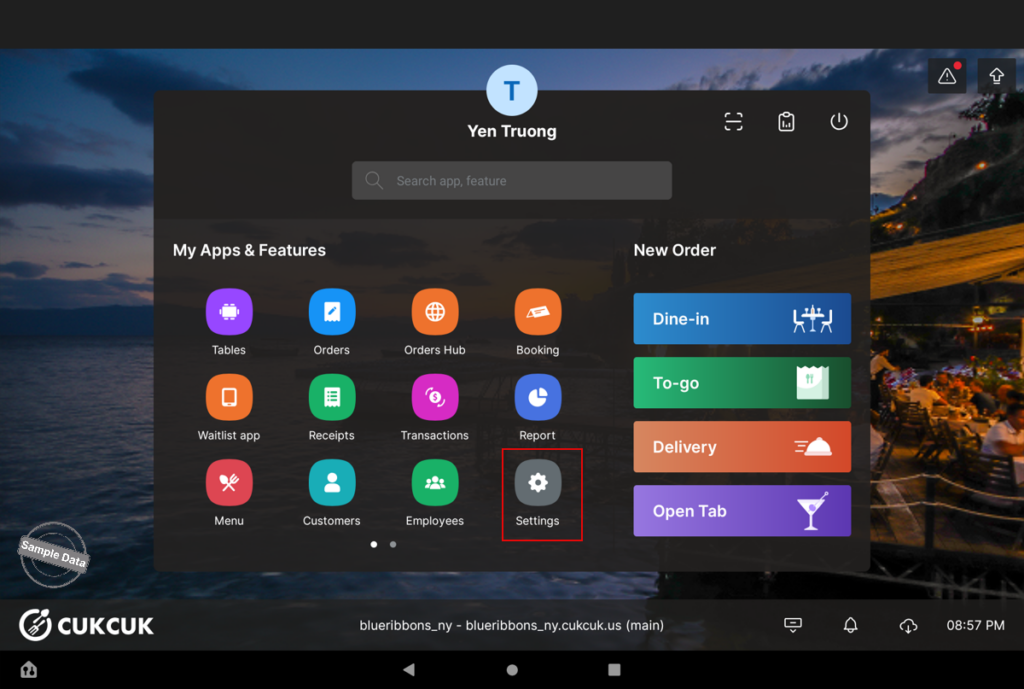
- Open the Second Screen tab.
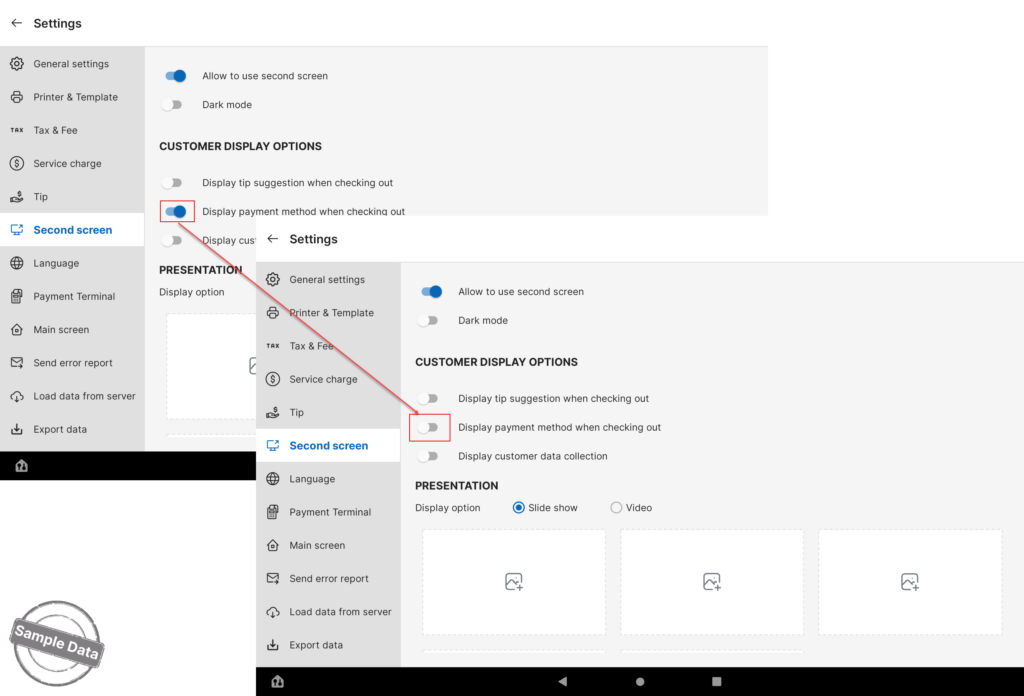
- By default, the system displays the payment method on the second screen during checkout.
- To hide the payment method, clear the Display payment method when checking out checkbox.
- Save your changes.
The customer-facing screen will then display the order summary, payment details, and tip options without showing the payment method selection.