

Nội dung có trong bài
Ẩn
I. Purpose
The owner/manager can decide which sections appear on the printed Sales Overview report.
Chủ nhà hàng/Quản lý nhà hàng có thể chọn thông tin muốn in trên báo cáo Sales overview.
II. Instruction steps
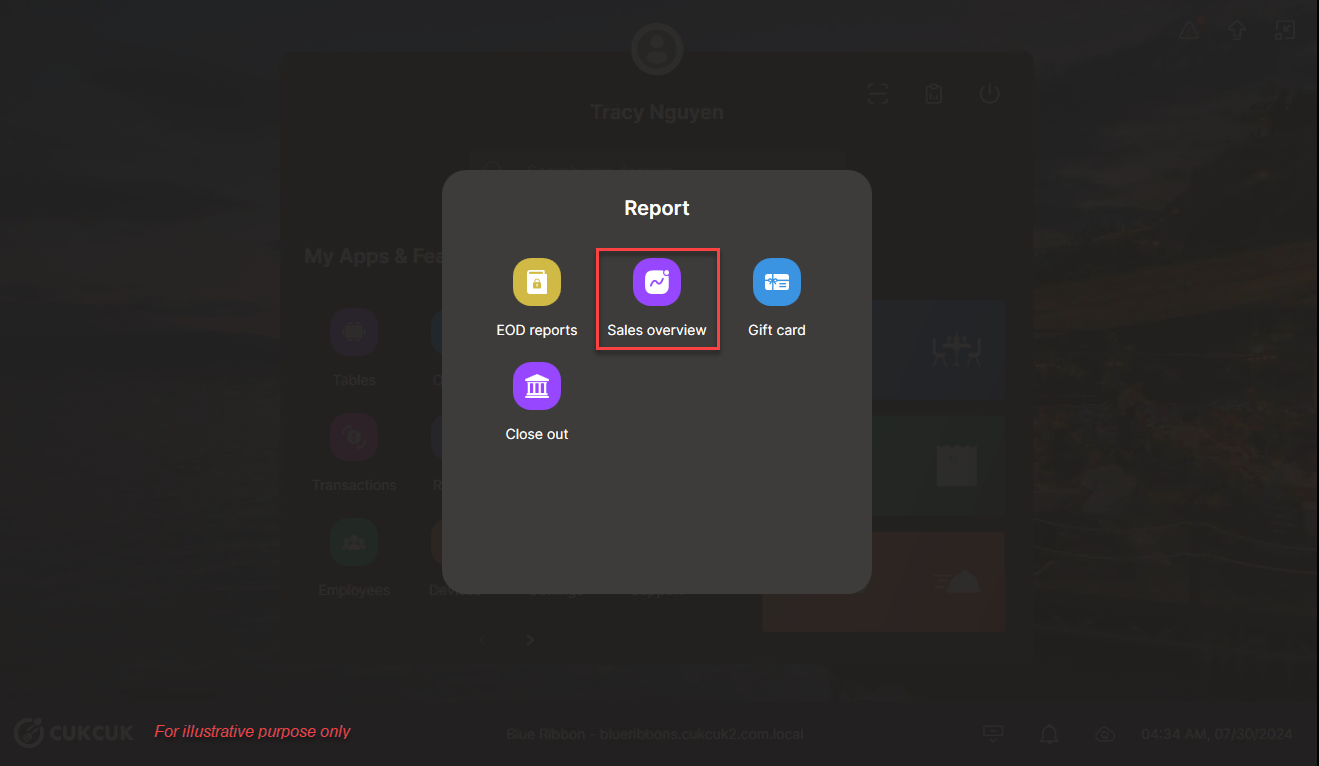
- On the POS, open Report.
- Select Sales overview.
- Tap the settings icon next to Print.
- By default, every section is selected.
- Untick any information you do not want to include on the print-out.
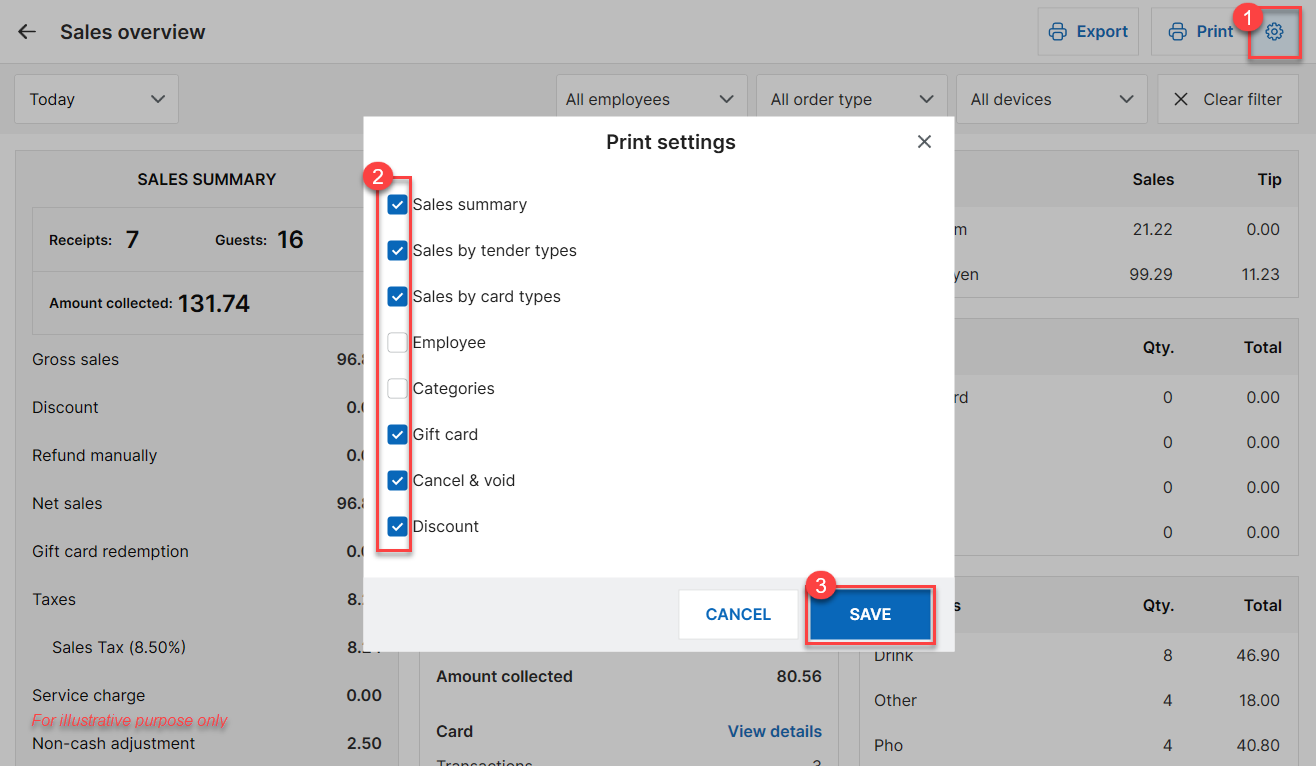
- Tap Save to store your preferences.
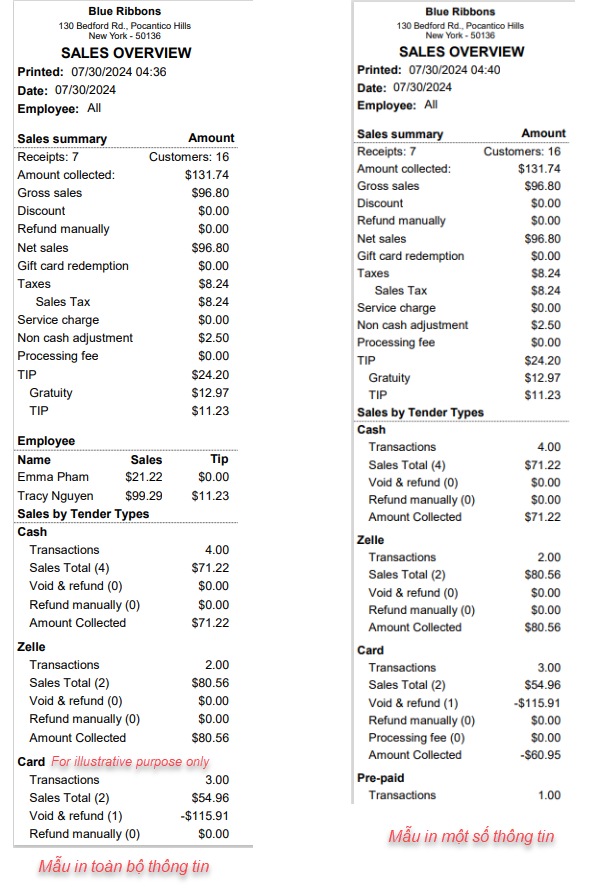
Your Sales Overview will now print only the items you selected. Enjoy your streamlined report!
Have a nice day!


