

Nội dung có trong bài
Ẩn
I. PURPOSE
For restaurants using POS with two screens, managers/cashiers can set up the secondary screen to display information about items and the total payment amount. This helps the restaurant promote new menu items or special offers to customers.
II. INSTRUCTION STEPS
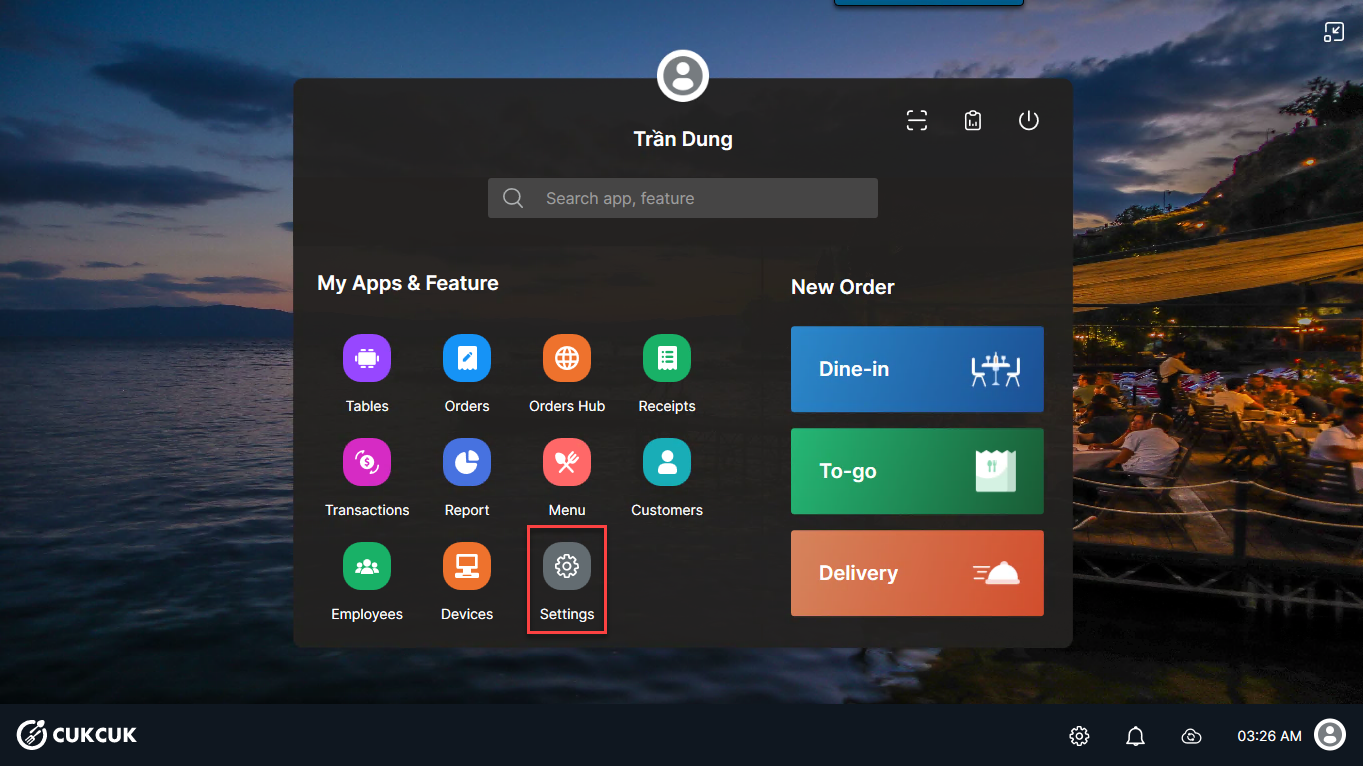
Step 1: On the main screen, select Settings
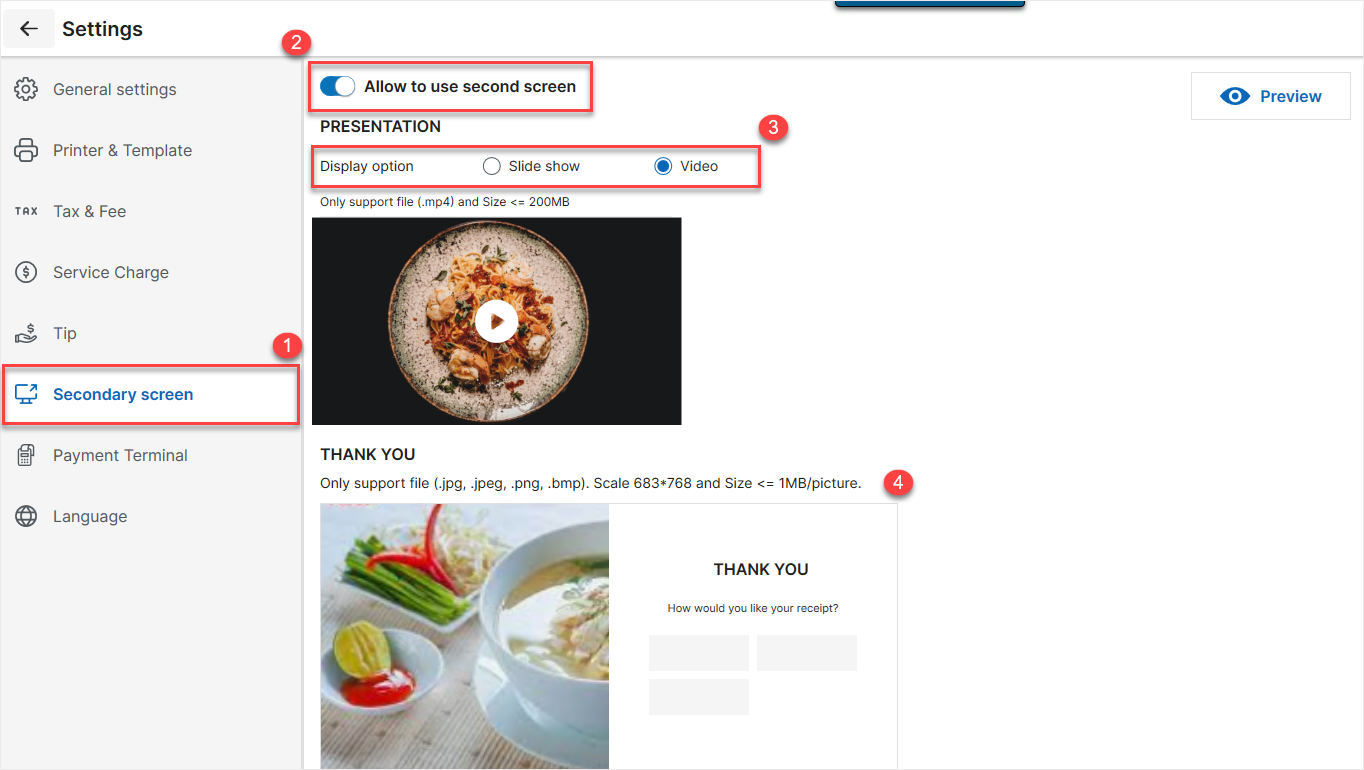
Step 2:
- Select Second screen and tick Allow to use second screen
- Tick Slide show or Video to display on the secondary screen
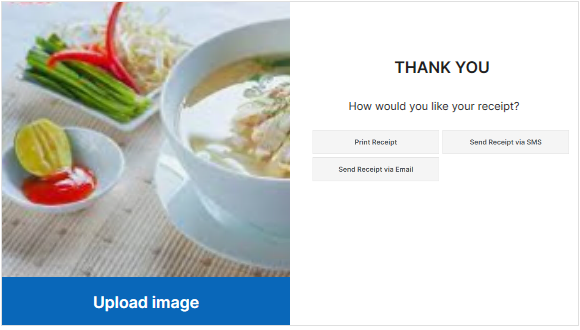
Then, upload images or videos according to your selection above.
Have a nice day!


