

To install CukCuk on PC/POS, please follow these steps:
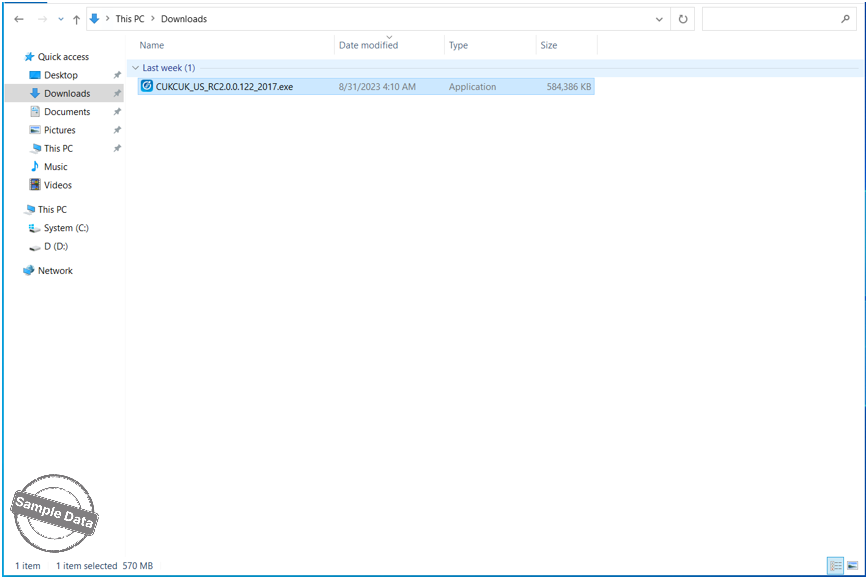
Download the installation package for PC here. Open the folder containing the installation package, then double-click the installation file to start the setup.
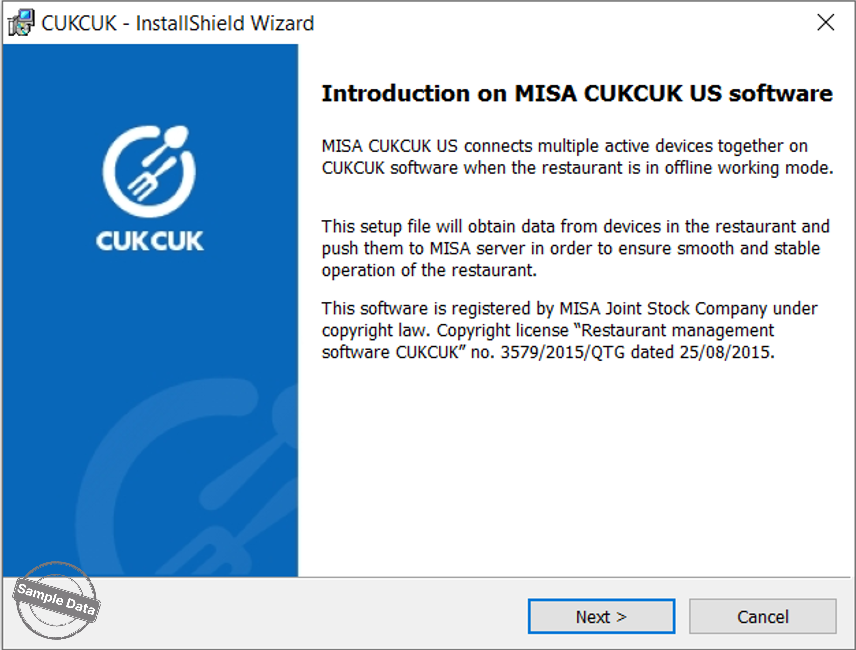
Click Next to continue.
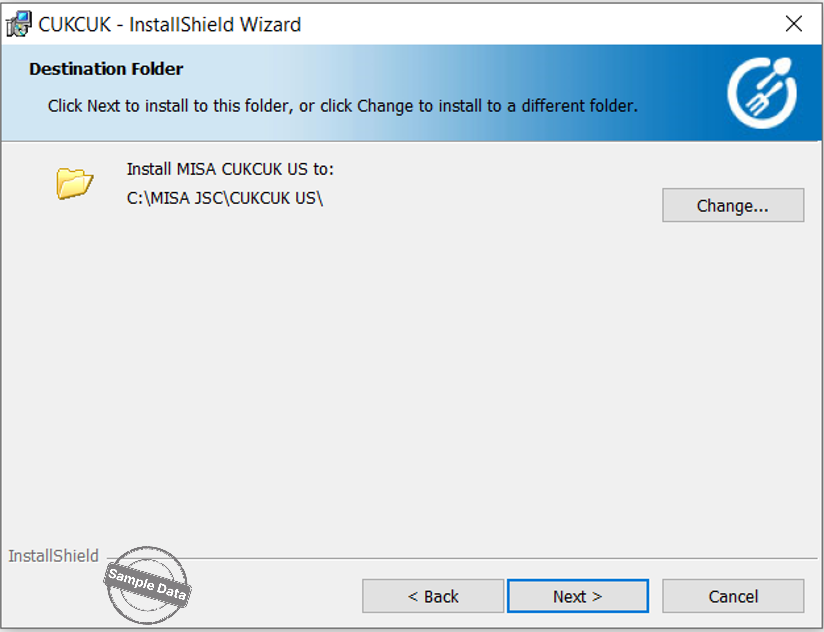
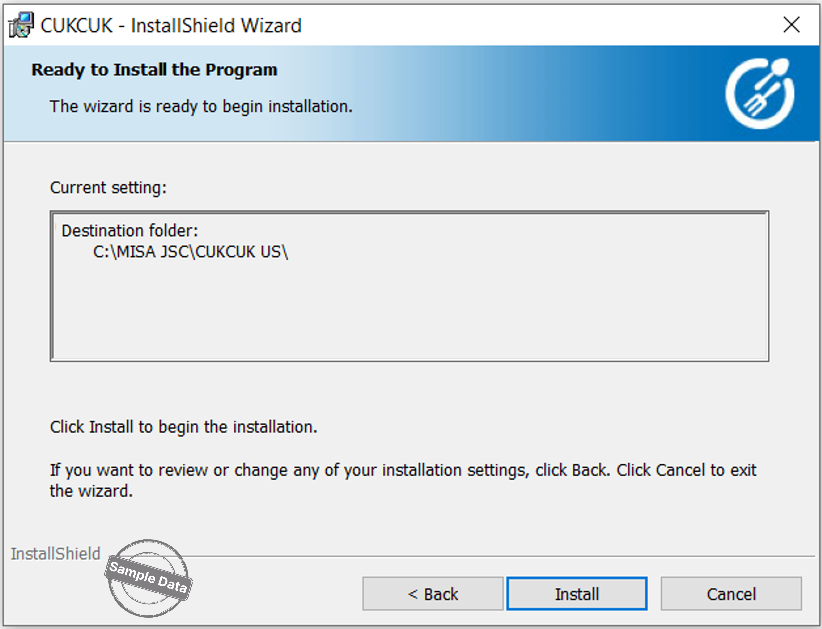
Click Install to begin the installation and wait for the system to complete the process.
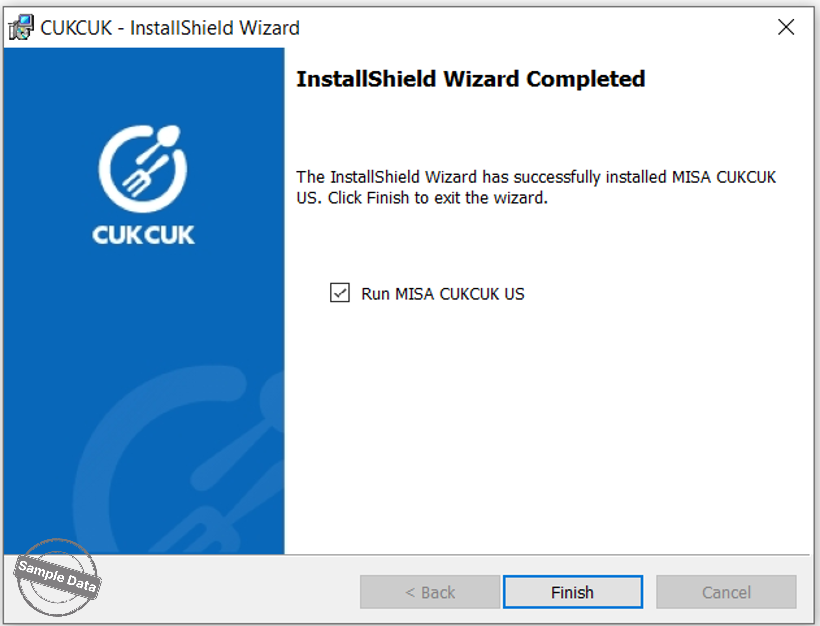
Click Finish, and the system will launch the software to start using.
Once installed, open the app and log in. Enter the domain and click Next.

Enter username and password. Then click Next to start using the software.

The sub devices will log in via IP Address. Click Search icon to search the IP Address and then click Next.

Have a nice day!


