1. Trang chủ
  2. Thị trường Mỹ
  3. Set up label printer on the management page
  1. Trang chủ
  2. Máy in
  3. Thiết lập và sử dụng máy in
  4. Set up label printer on the management page
  1. Trang chủ
  2. Thị trường Úc
  3. Set up label printer on the management page

Set up label printer on the management page

Nội dung có trong bài Ẩn

I. Purpose

The manager can set up label printer on the management page.

II. Instruction steps

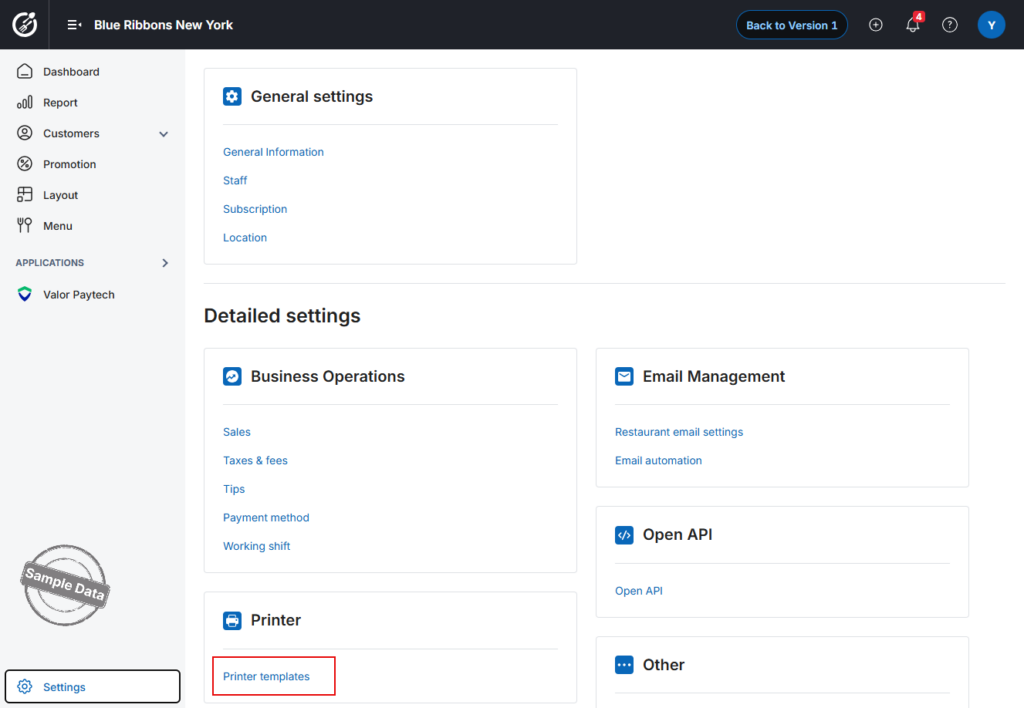
On the management page, go to System settings/Printer templates.

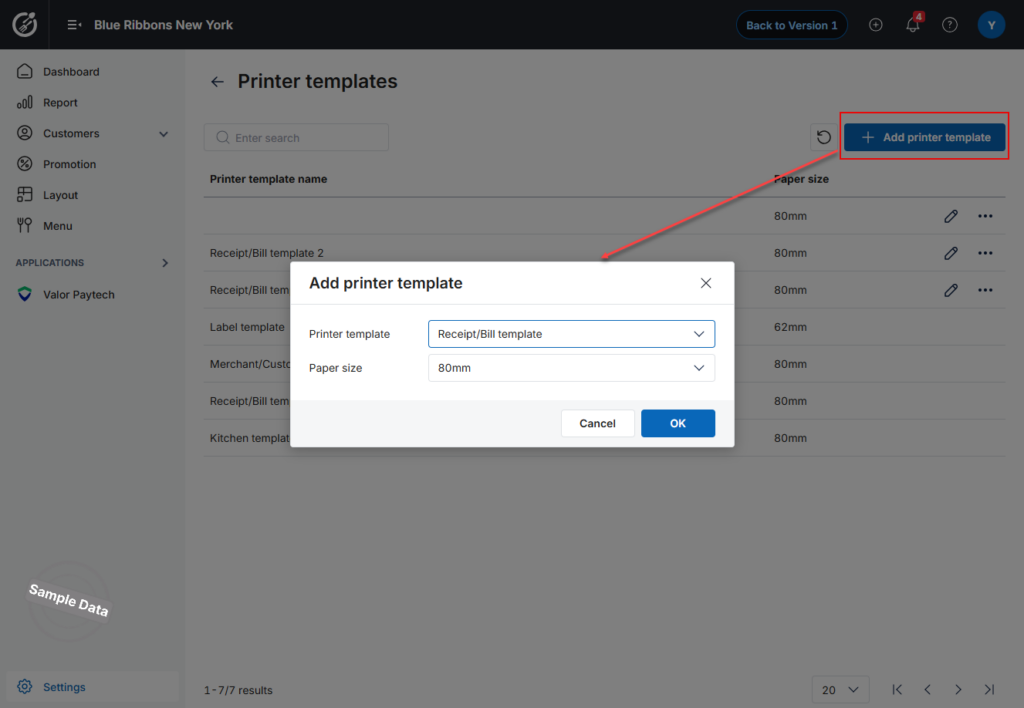
To add a new label template, click Add printer template and select Label printer. Click OK.
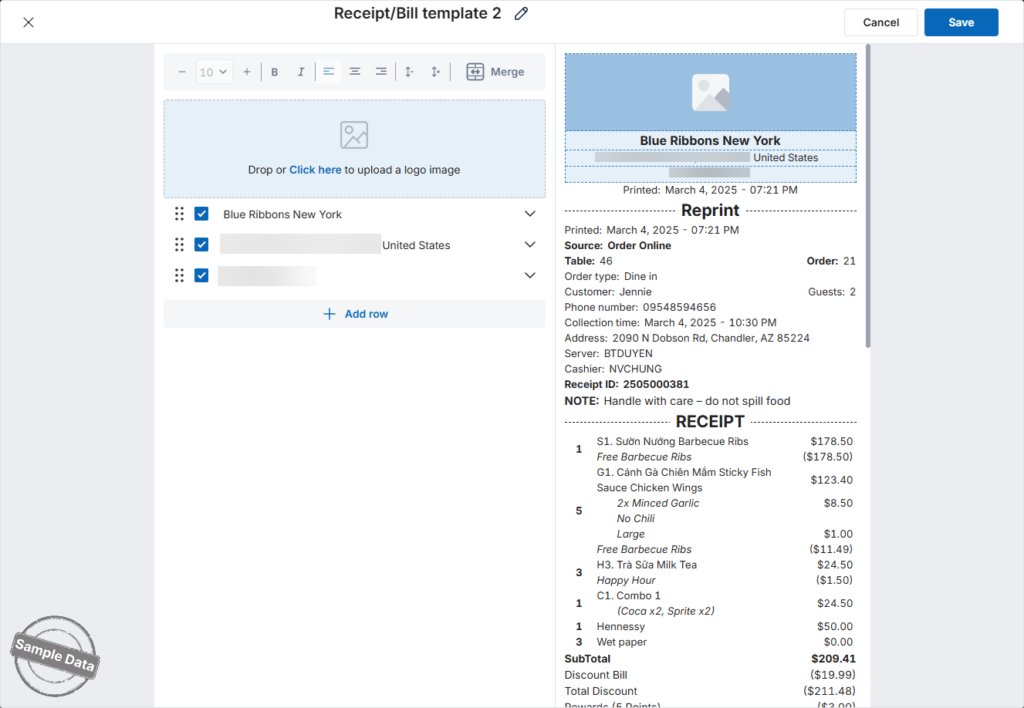
Set up the information to be shown on the label.
If you want to add another information, click Add row. Fill in the title and content.
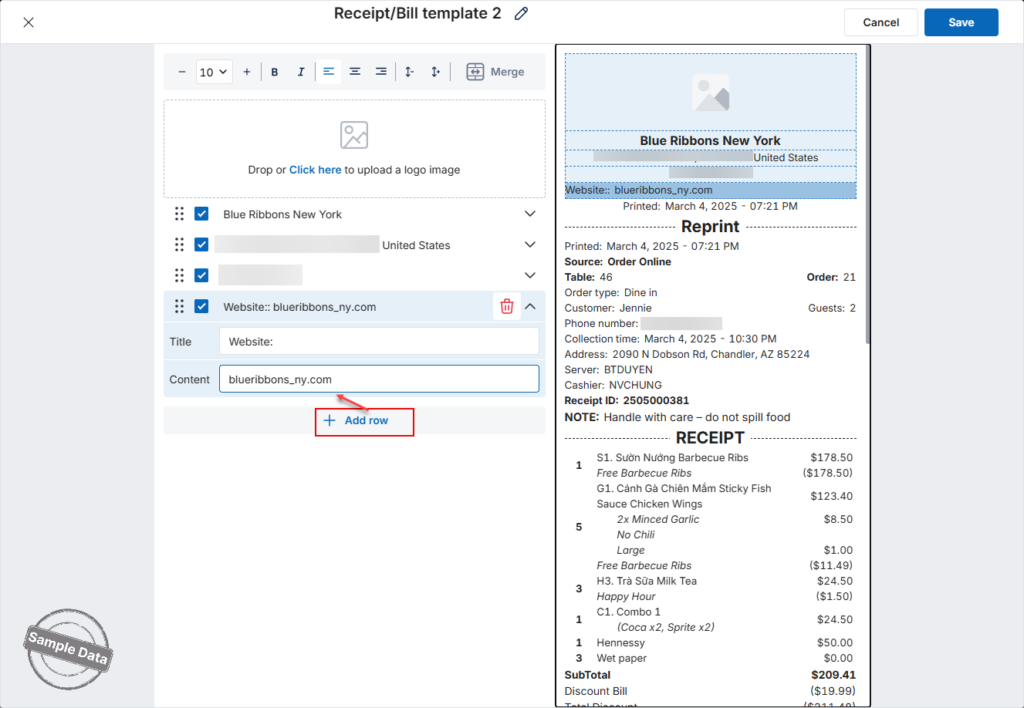
Then, click Save.

Have a nice day!

Cập nhật 11/12/2025

Hãy giúp chúng tôi hoàn thiện trang trợ giúp phần mềm. Bài viết này có hữu ích với bạn không?

Bài viết liên quan

Take order by seat
Xem thêm more
Import items with variant
Xem thêm more
Set up barcode, print labels, and order items using barcode
Xem thêm more
[Australia] Rounding rules
Xem thêm more
[TT Úc] Kết nối và thanh toán qua Tyro Online
Xem thêm more
Bổ sung mẫu in hủy order có gạch món và mẫu in khi void
Xem thêm more