

Forgot your POS login password? No worries! If you have a personal email saved in Utilities → Staff, you can reset it in just a few minutes.
Prerequisite
- A valid personal email must already be recorded in Settings → Staff.
Step-by-Step Recovery
Go to your restaurant’s dashboard.
On the login screen, choose Forgot password.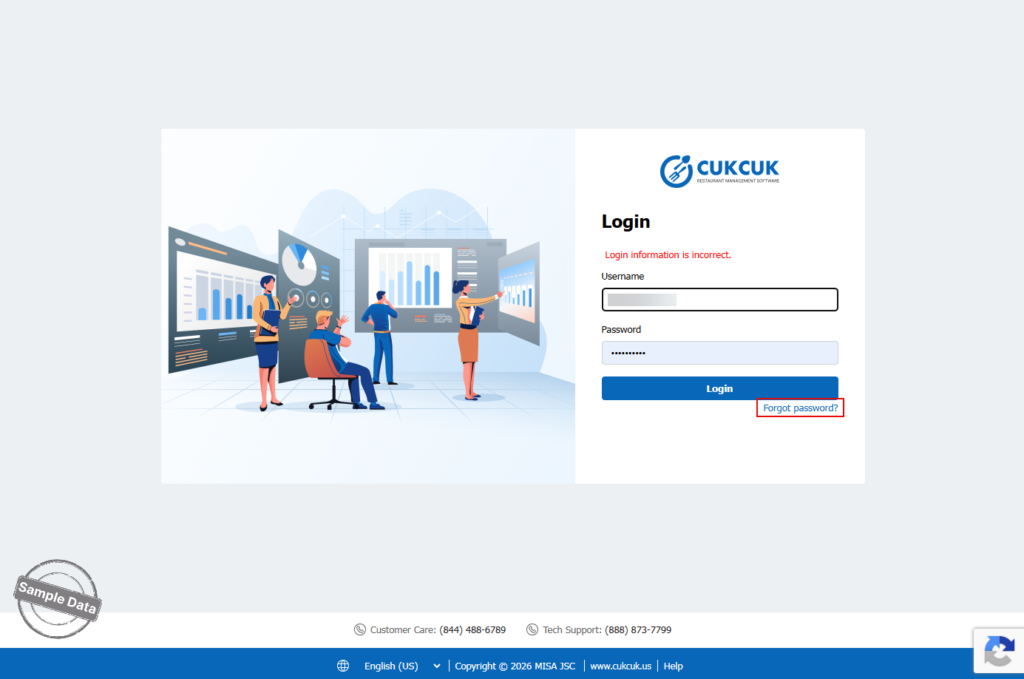
Enter account details
• Type your Username.
• Fill in the Verification code (CAPTCHA).
• Click Reset password.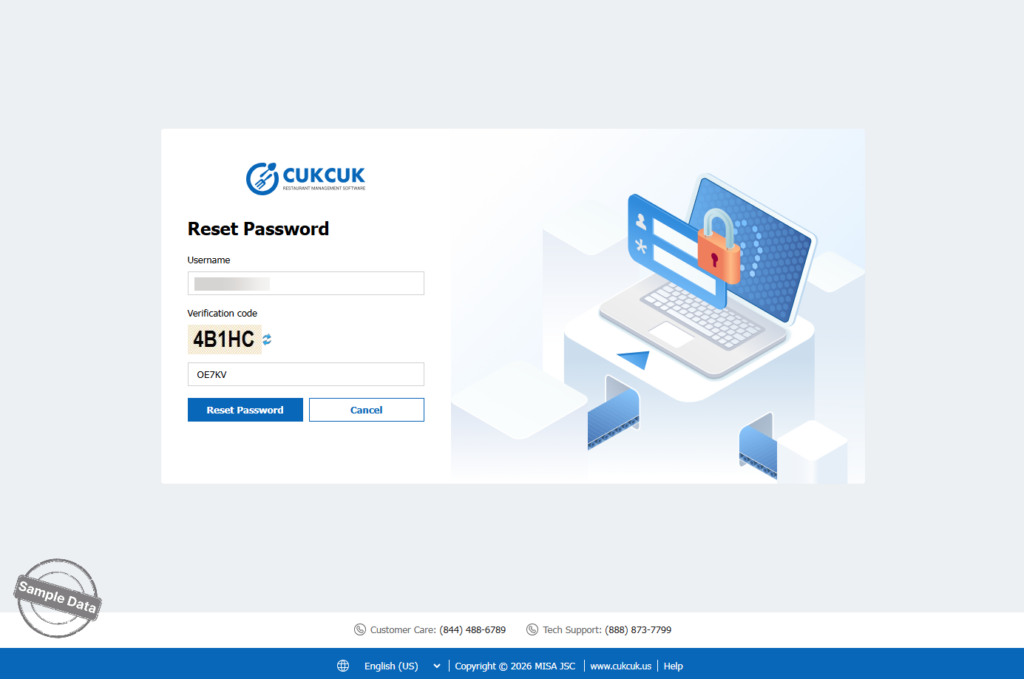
Check your inbox
The system sends a password-reset email to your registered address.
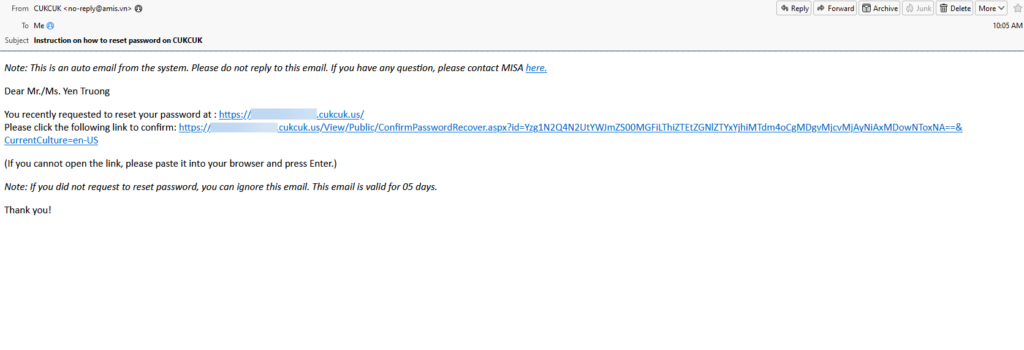
Confirm the reset request
Open the email and click the Click here link to confirm.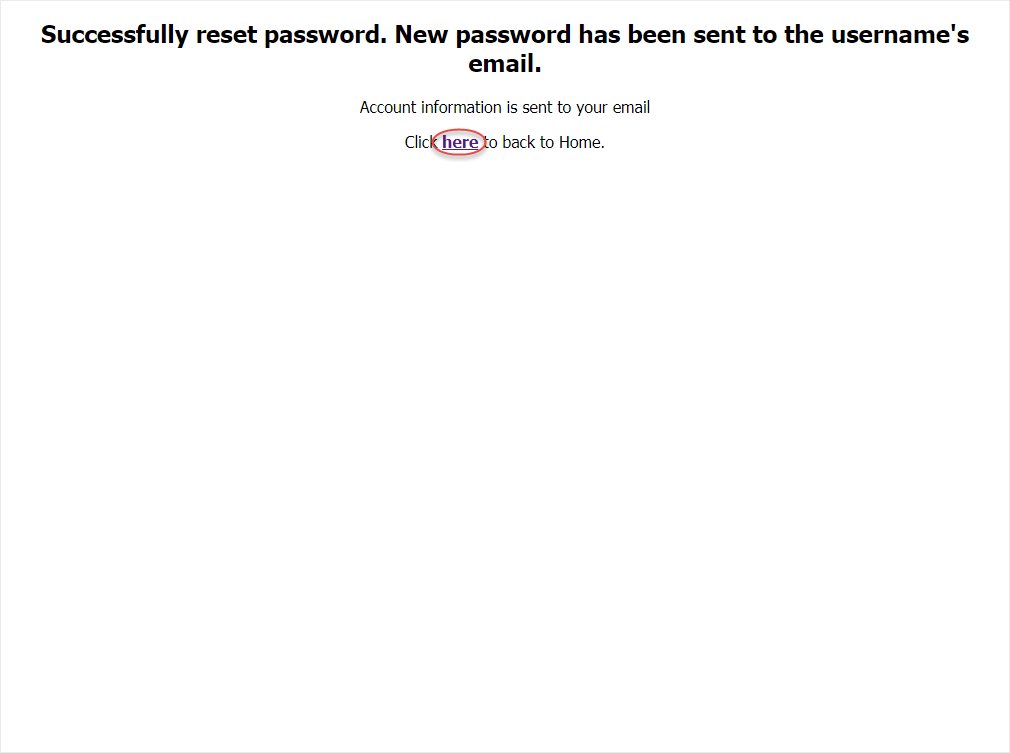
Receive a temporary password
A second email arrives containing a temporary password.
Log in and set a new password
• Sign in using the temporary password.
• Immediately change it to a password of your choice for security.
III. Notes
• Didn’t receive the email? Check your Spam/Junk folder.
• Link expired? Repeat the steps above to generate a new reset email.
• Still locked out? Ask a manager to verify that your personal email is correctly stored in Settings → Staff.
Have a nice day!


