

I. Purpose
Help staff change the service type of an existing order when customers switch between Dine-in, To-go, and Delivery, without creating a new order.
Staff can also update the relevant pickup or delivery time and customer information to match the new service type.
II. Instruction Steps
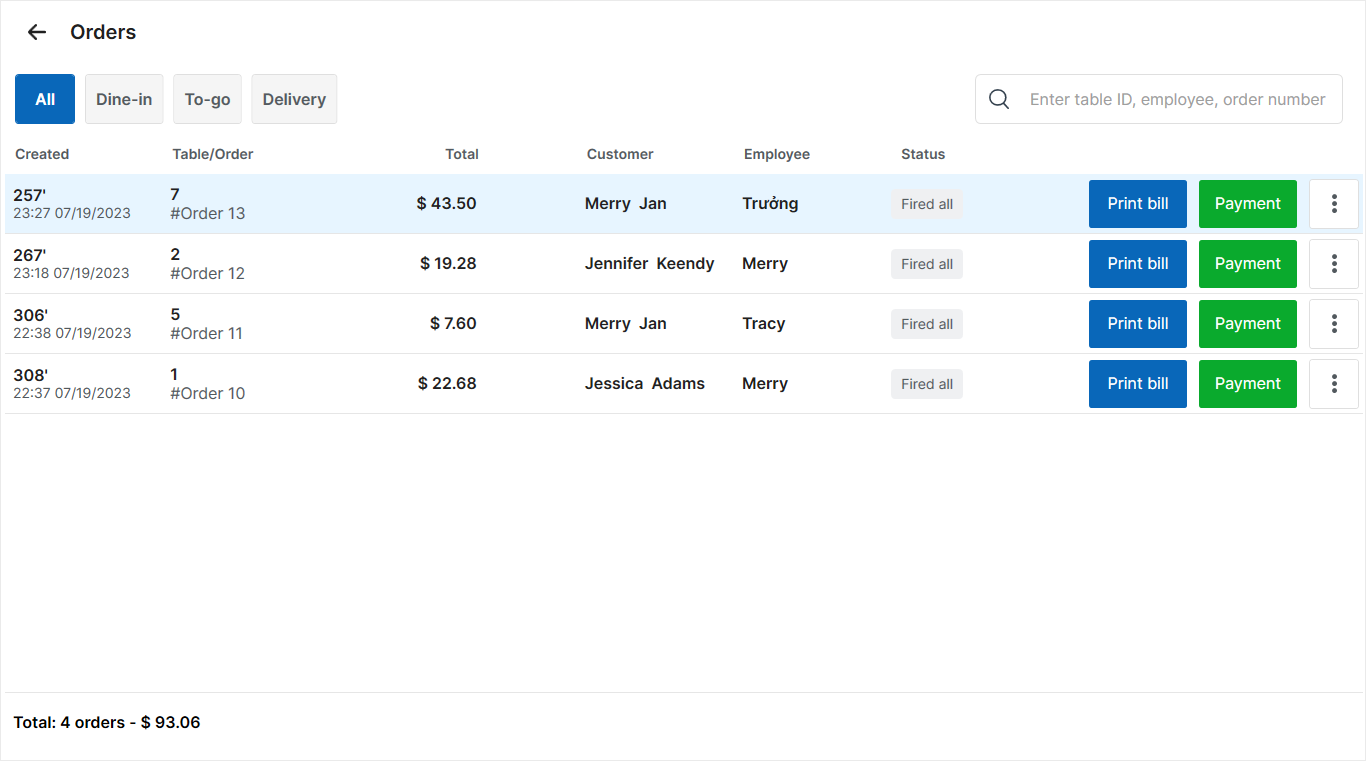
On the order list screen, select the customer’s order that needs a different service type.
Example: Select a Dine-in order to change it to To-go.
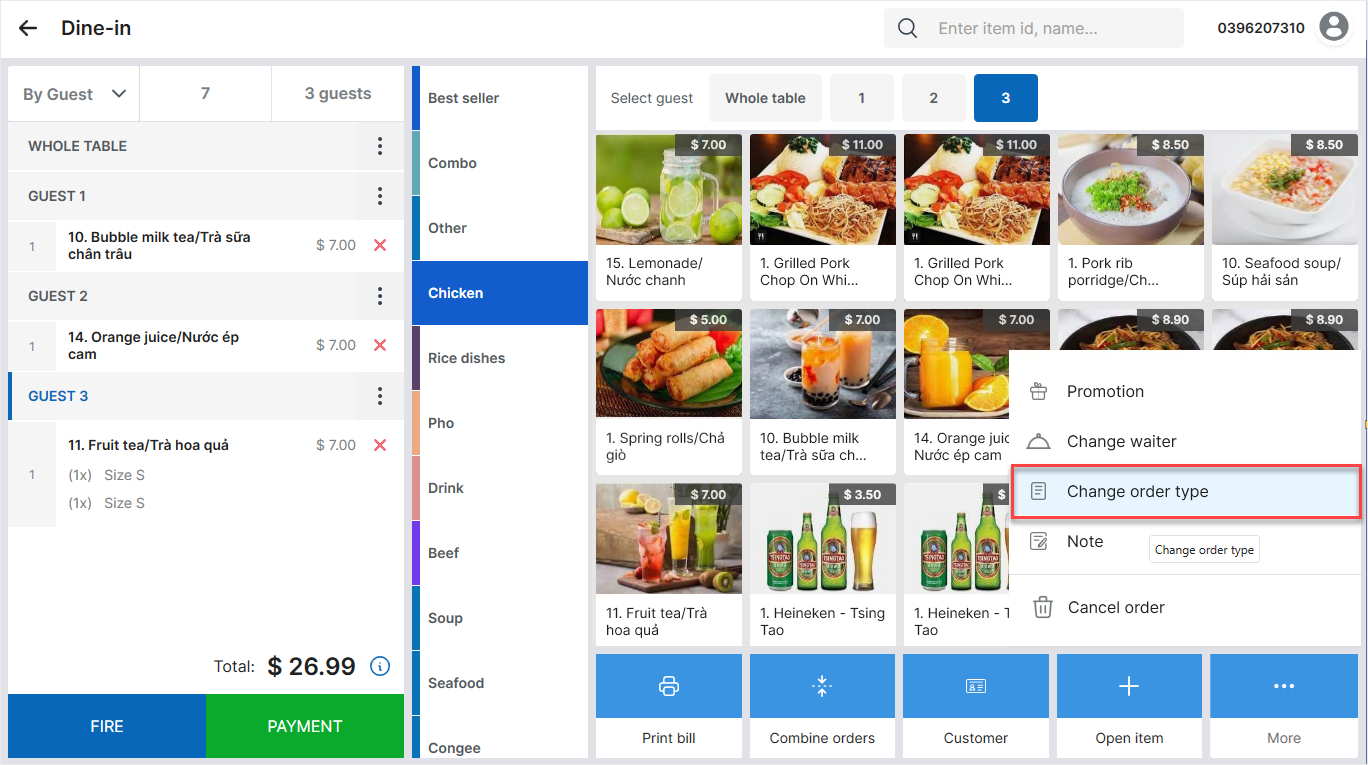
Tap the icon  and select Change order type.
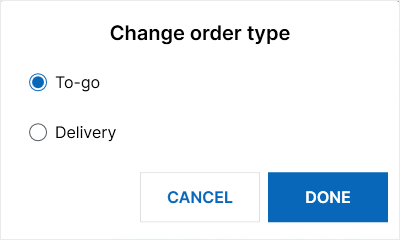
Select the required service type, then tap Done.
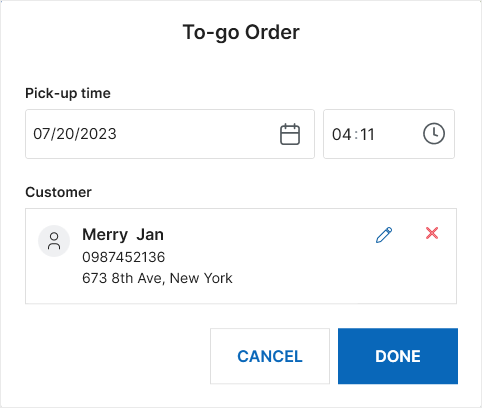
Review and update the information required for the new service type.
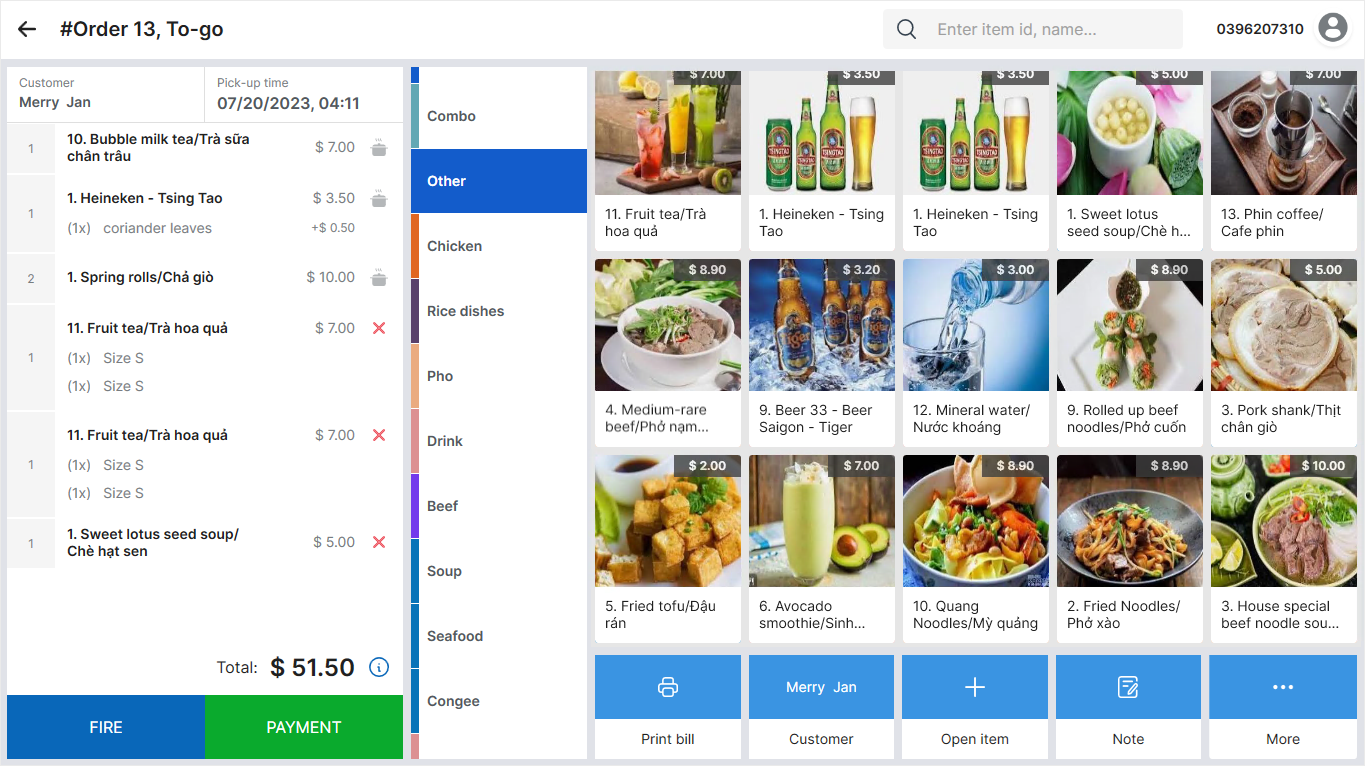
For example, when changing to To-go, update the pickup time and customer information, then tap Done.
The order is updated to the selected service type.
Note: Follow the same steps to change the service type of To-go or Delivery orders.
Have a nice day!


